123
Cirrus LT Plus User Manual v1.2 - Chapter 7
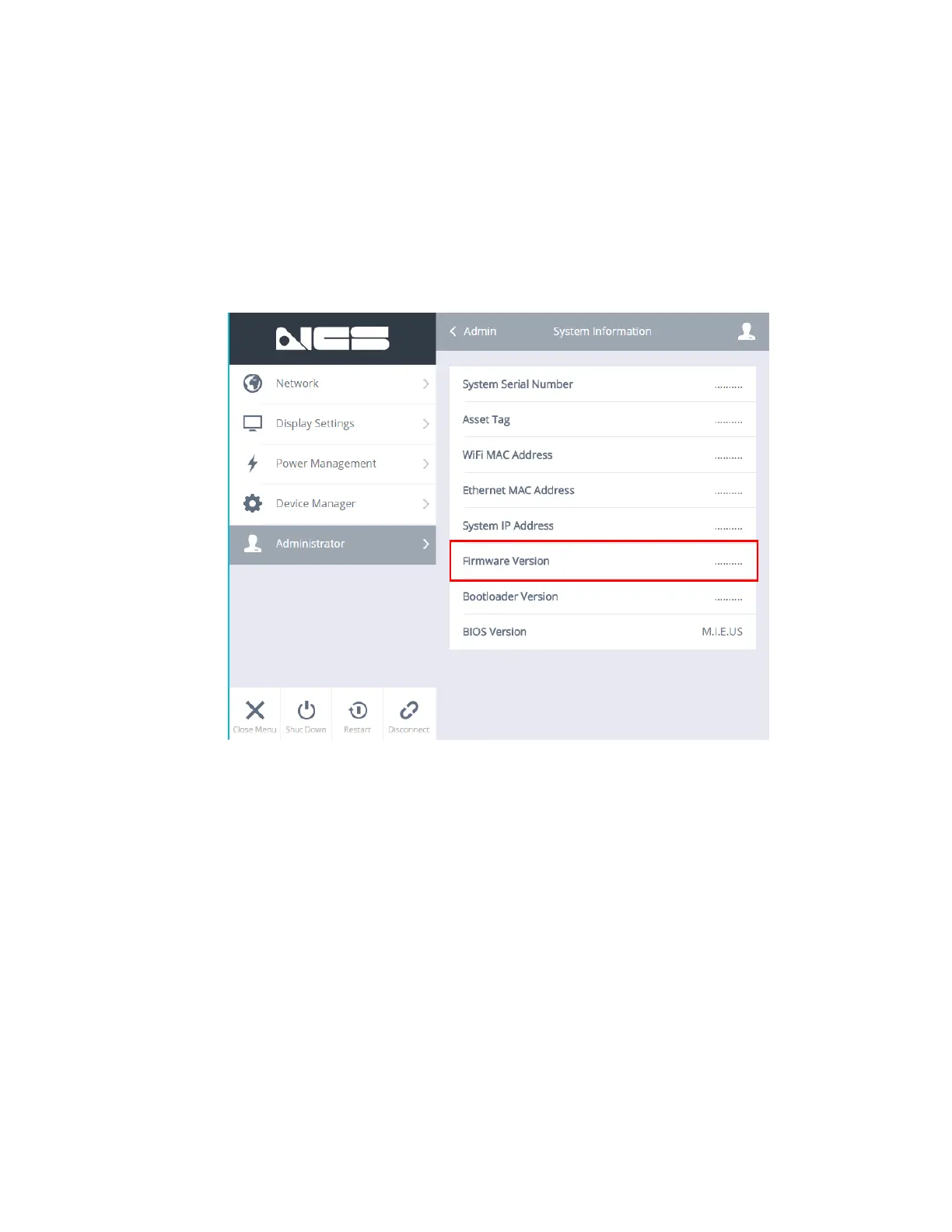
8. If you would like to confirm that the Firmware has been upgraded success-
fully, you can check the Firmware version in the NCS OSM under Administra-
tor > System Information > Firmware Version.
You will be asked to type in the admin user name and password. By default
this is user name of “admin” and the password is “password”. Then click the
“Sign In” button.



 To Next Page