128 Cirrus LT Plus User Manual v1.2 - Chapter 9
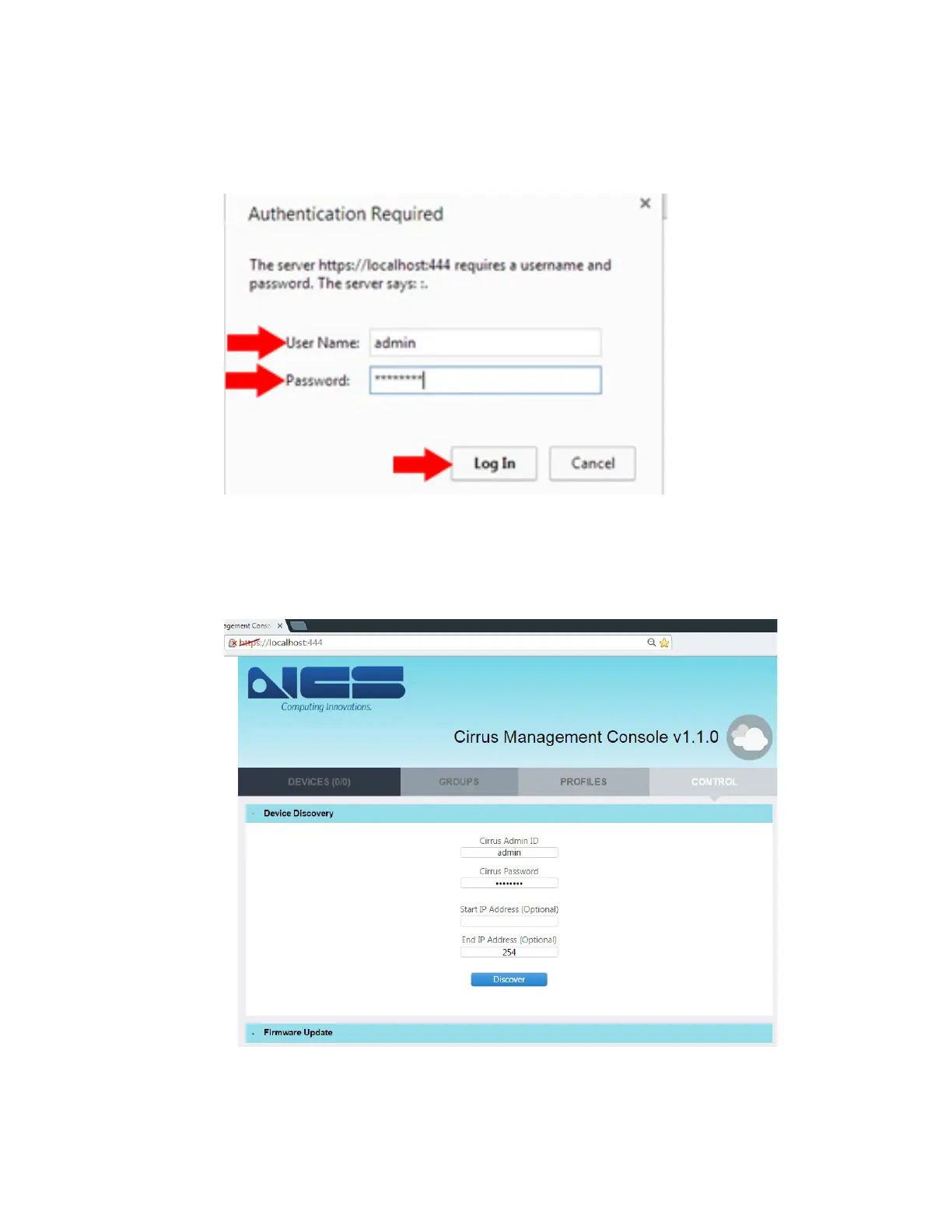
5. You will be asked to type in the admin user name and password. By default the
user name is “admin” and the password is “password”. Then click the “Log
In” button, as shown below.
6. The Management Console Screen will then appear, as shown below. You are
now ready to manage your Company’s Cirrus LT Plus devices.



 To Next Page