52 Cirrus LT Plus User Manual v1.2 - Chapter 4
Enabling and Disabling Wireless
To enable wireless:
1. Click the Network submenu.
2. Select WiFi.
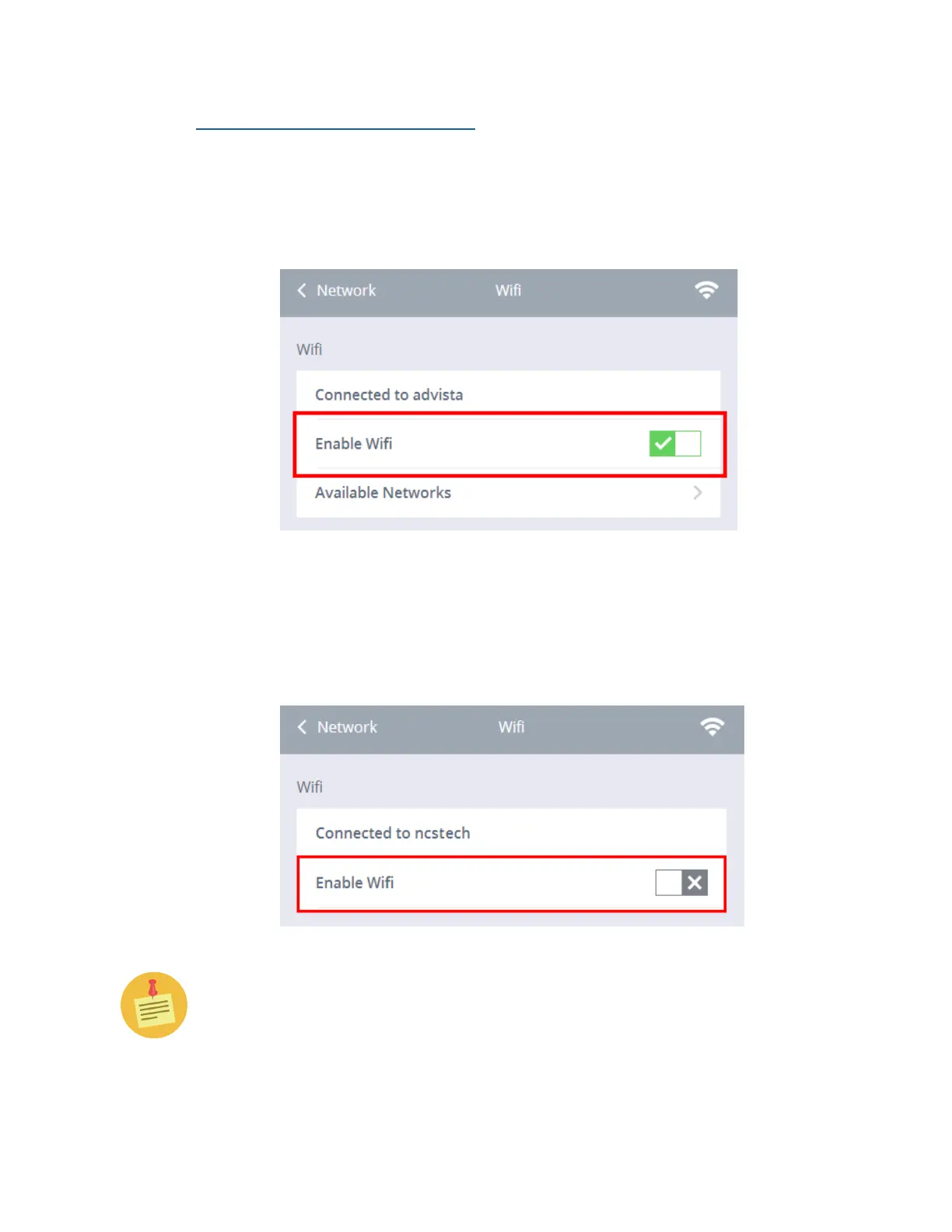
3. Click the Enable WiFi selection box. A green check mark signifies that
WiFi has been enabled.
To disable wireless:
1. Click the Network submenu.
2. Select WiFi.
3. Click the Enable WiFi selection box.. A gray “X” signifies that WiFi has
been disabled.
If both a wired and a wireless network are present, wired will take priority
based on its better performance over WiFi.



 To Next Page