61
Cirrus LT Plus User Manual v1.2 - Chapter 4
Auto Connect
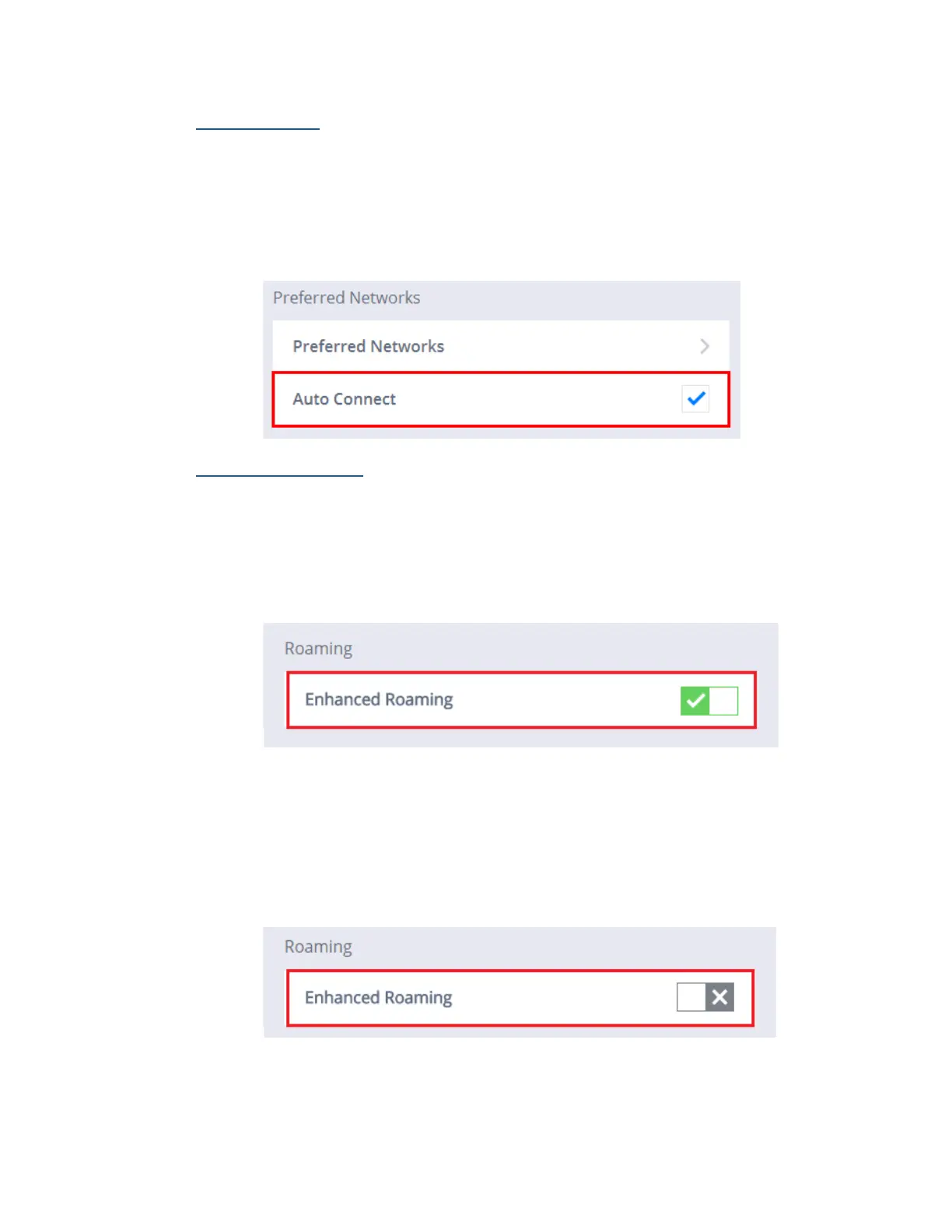
To enable an automatic connection:
1. Click the Network submenu.
2. Select WiFi.
3. Click the box next to Auto Connection. A blue check mark indicates that
an automatic connection has been enabled.
Enhanced Roaming
To enable Enhanced Roaming:
1. Click the Network submenu.
2. Select WiFi.
3. Click the Enable Enhanced Roaming selection box. A green check mark
signifies that WiFi has been enabled.
To disable Enhanced Roaming:
1. Click the Network submenu.
2. Select WiFi.
3. Click the Enable Enhanced Roaming selection box. A gray “X” signifies
that WiFi has been disabled.



 To Next Page