73
Cirrus LT Plus User Manual v1.2 - Chapter 4
Pin
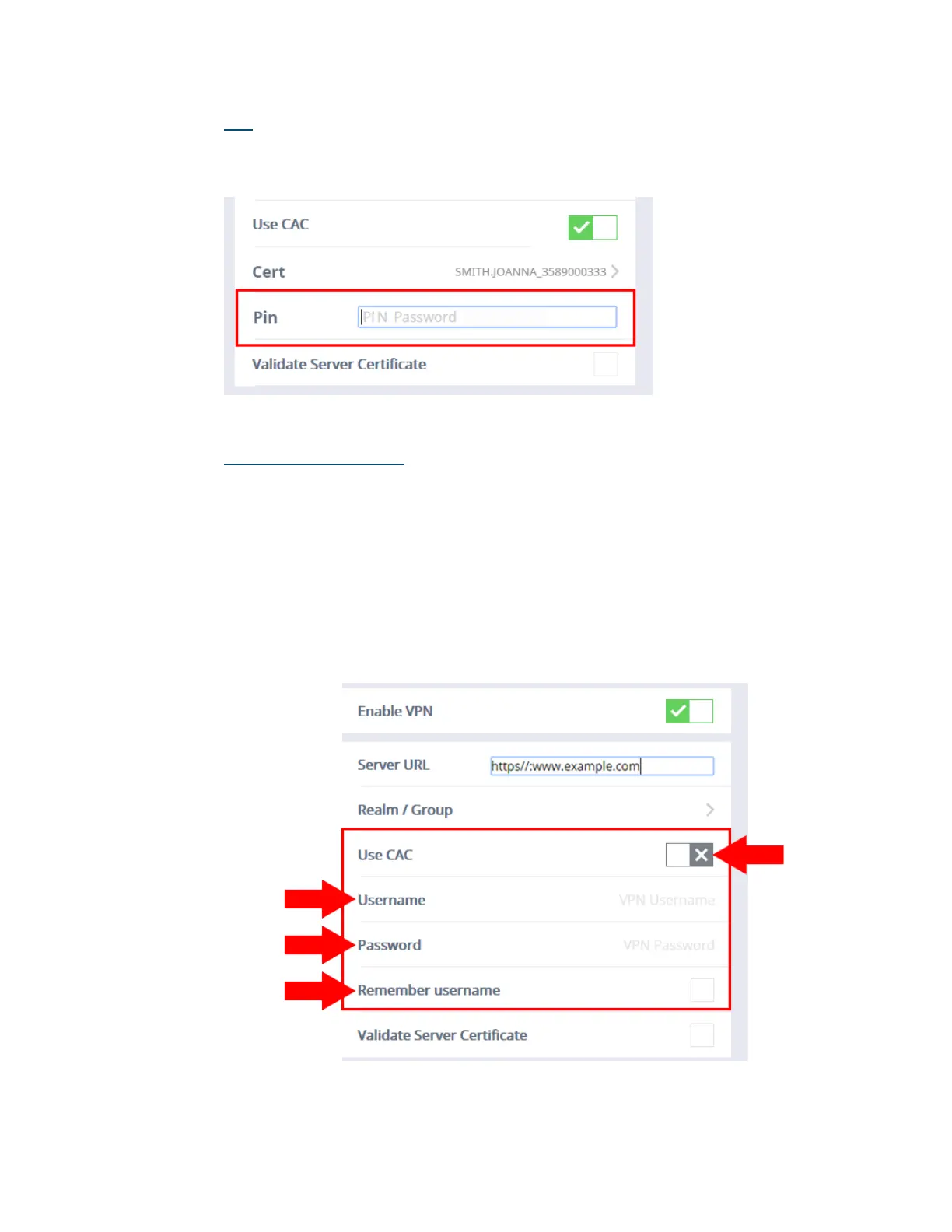
Once you have selected a certificate, return to the Network > SSL VPN sub-
menu and enter the PIN number in the field labeled Pin, as shown below.
Disabling Use CAC
To disable Use CAC:
1. Click the Network submenu.
2. Select SSL VPN.
3. Click the Use CAC selection box. A gray “X” signifies that Use CAC has
been turned off, as shown below.
4. When Use CAC is disabled, the highlighted portion (shown below) of
the Network > SSL VPN submenu will display fields named User Name,
Password, and Remember username.



 To Next Page