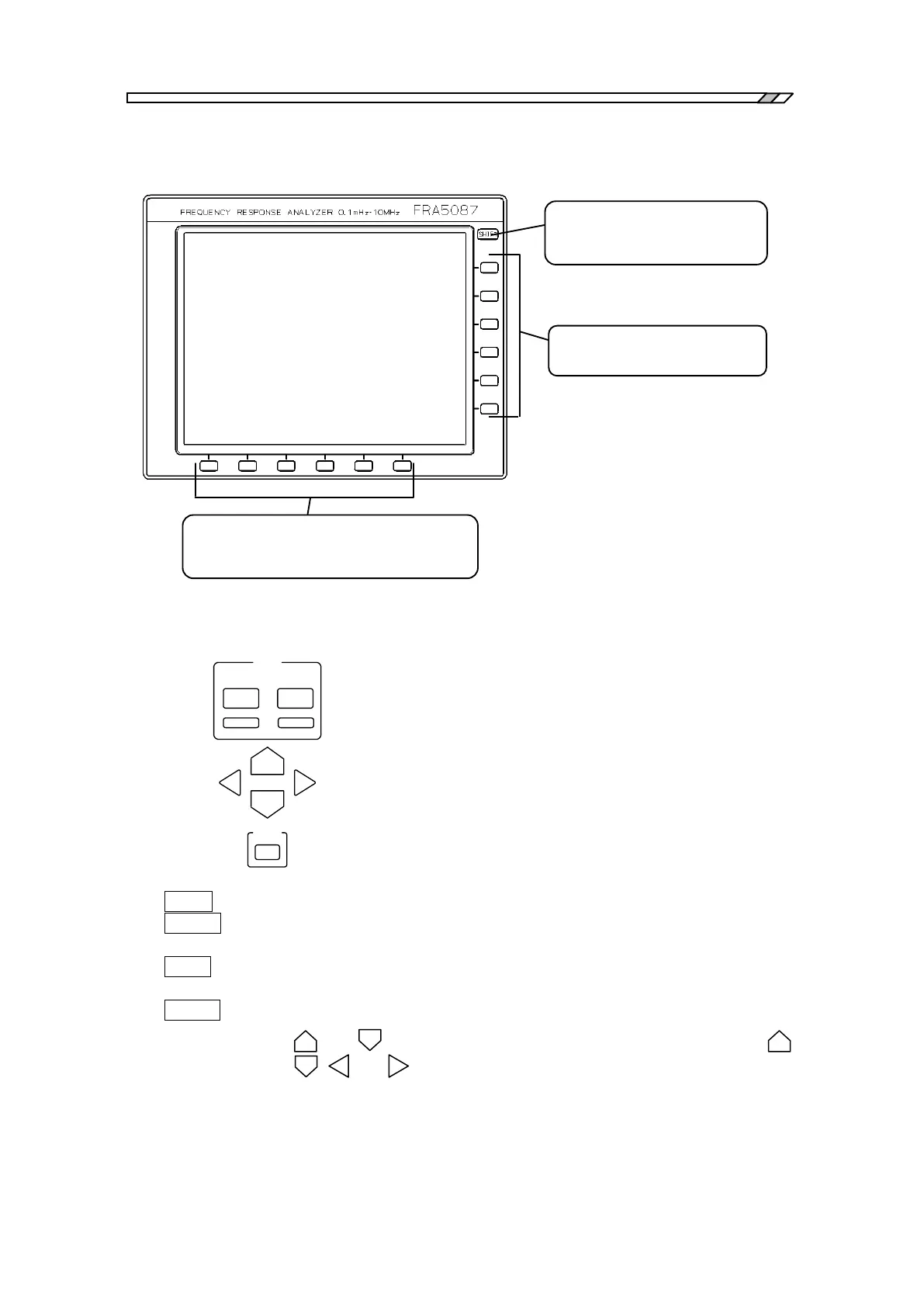
3.1 Panel descriptions
FRA5087
Around LCD
These keys are used to select a function
from among those shown at the bottom of
the LCD screen.
This is a key to be used to
change the highest level of
menus.
These keys are used to select
the highest level of menus.
Menu operation keys
CLOSE
MENU
OPEN
CLEARBACK
ITEM
BASIC
SET UP
・OPEN : Menus lower than the selected menu in level, or a table are displayed.
・CLOSE : The current menu is closed and a higher level menu (by one level) is
displayed.
・BACK : This key is used to display, one after another, ten newest window displays in
the window that has been displayed right after power switched “ON”.
・CLEAR : This key closes all menu windows.
・ITEM : and
keys are used to shift the menu item to be selected, and
and
keys are used to shift the item to be selected in the table.
・BASIC SETUP : This is a shortcut menu that allows ready retrievement of the
parameters frequently set or revised in the FRA5087.



 To Next Page