3.1 Panel descriptions
FRA5087
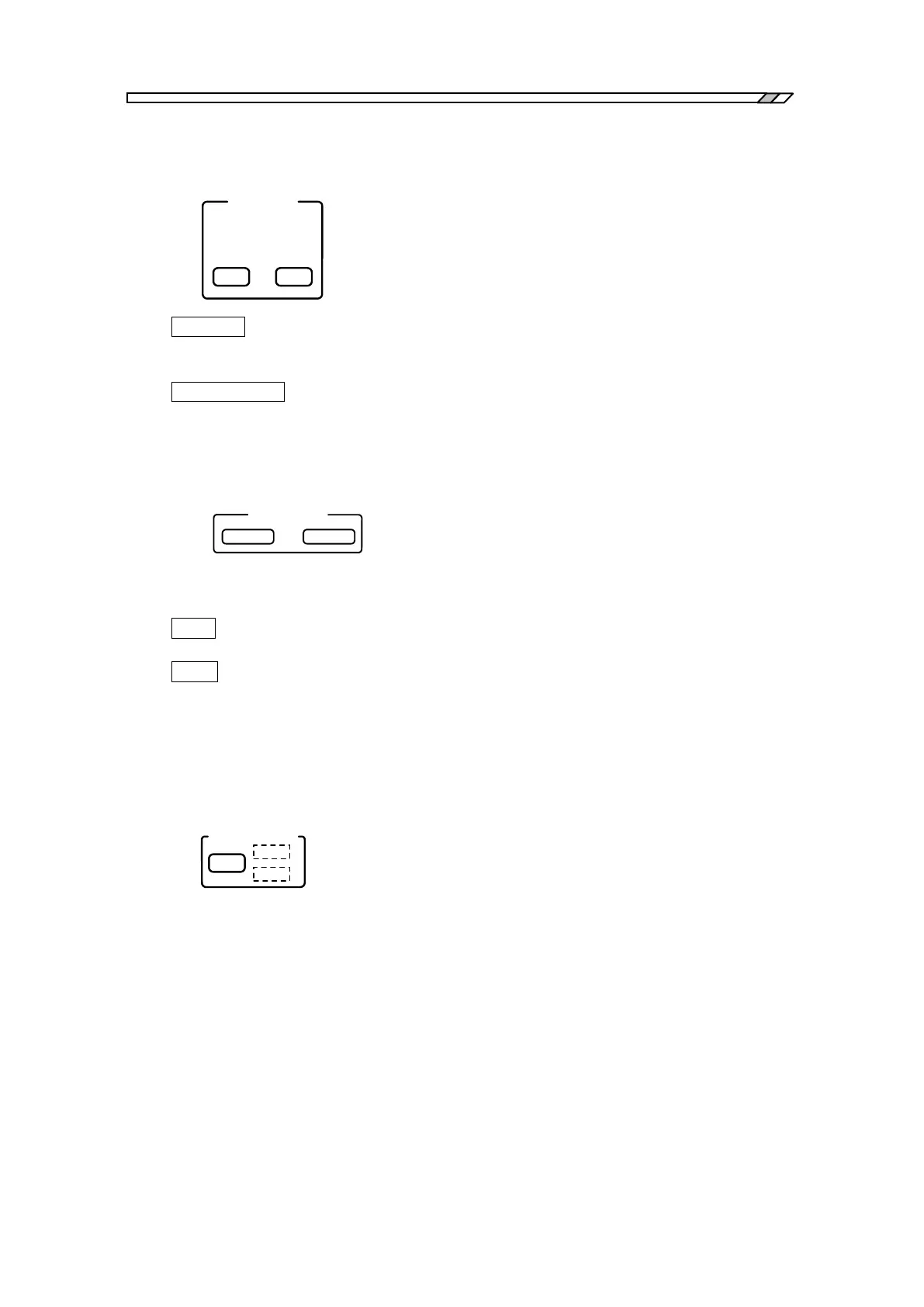
SCREEN COPY
SCREEN
COPY
PRINTER
USB
MEMORY
・PRINTER : This key is used to output the current LCD display to the built-in
thermal printer to produce a hard copy.
For more detail, refer to “4.14 Output to printer”
・USB MEMORY : This key is used to output a hard copy of the LCD screen to the USB
flash drive.
For more detail, refer to “4.15 Output to USB Memory”.
Loading/saving measurement conditions
This feature allows you to load or save the FRA5087 setting by a simple operation. The number of
measurement condition sets that can be loaded or saved by these keys is limited to one.
・SAVE : Saves the current FRA5087 measurement conditions in the USB flash
drive. The save file name is “CORRENT.CON” fixed.
・LOAD : Loads the measurement condition file from the USB flash drive, and
changes the FRA5087 setting accordingly. The loaded file name is
“CORRENT.CON” fixed.
You can load or save measurement conditions under an arbitrary file name.
For more detail, refer to “4.17 File operation”.
Auto-sequence
A series of key operations is recorded, and the series is automatically executed in sequence as
recorded. While key operations are being recorded, the REC lamp is lit (on); and the play lamp
lights while automatic sequence execution is being done.
For more detail, refer to “4.12 Auto-sequence”.



 To Next Page