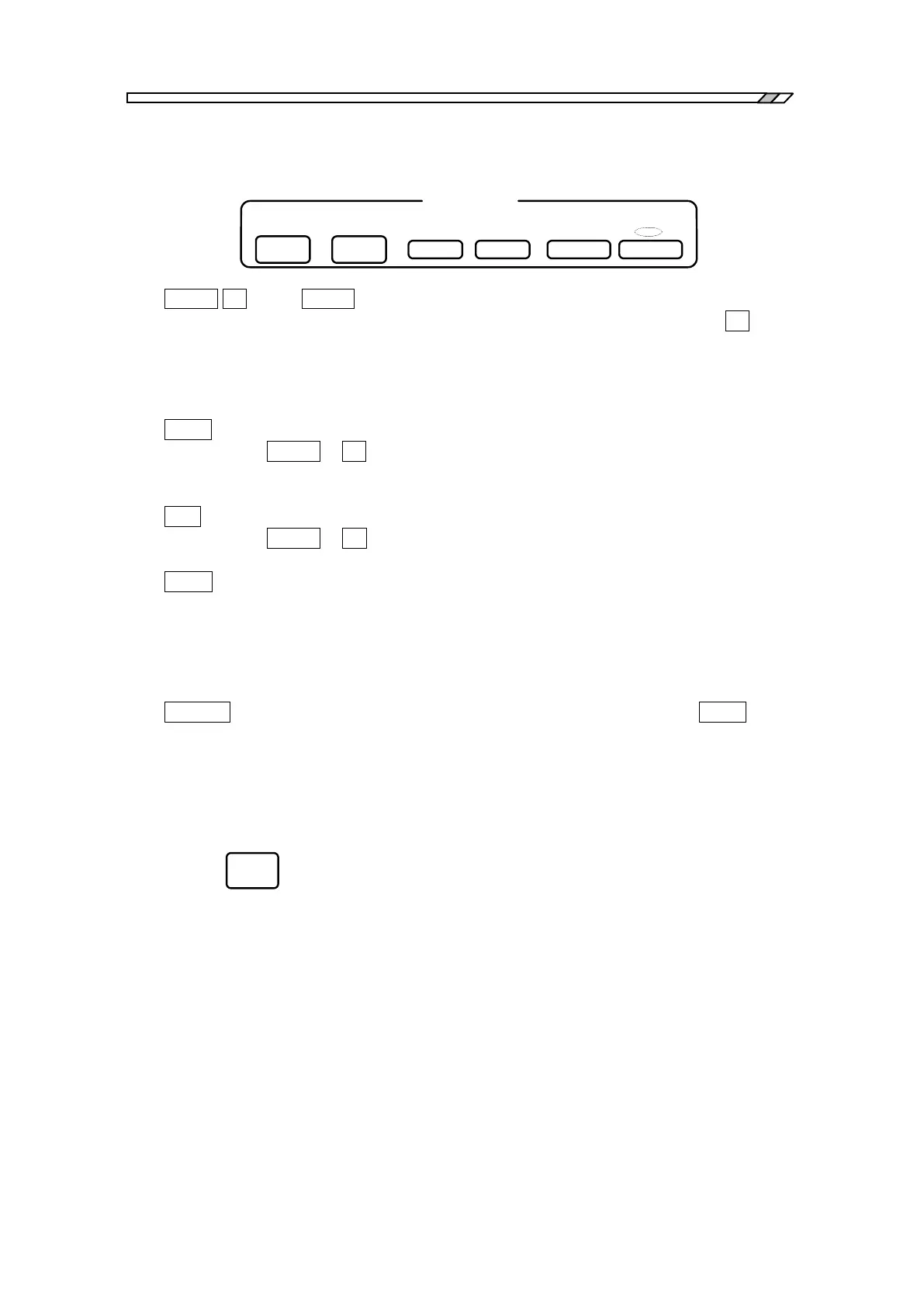
3.1 Panel descriptions
FRA5087
Measurement control
MEASURE
DOWN
SINGLESTOPSWEEP
UP HOLD END REPEATMEAS
・DOWN UP : The DOWN key is used to start frequency sweep operation from the upper
frequency limit in the sweep range toward lower frequencies, and the UP key is
used to start frequency sweep operation in the opposite direction; i.e., from the
lower frequency limit toward upper frequencies. These keys can also be used
to change the sweep direction if you press one of these keys during sweep
operation.
・HOLD : This key is used to stop/hold an ongoing sweep operation midway. Press the
DOWN or UP key to restart the sweep operation.
Press this key to terminate the REPEAT measurement operation when the
REPEAT measurement operations being made.
・END : Press this key to terminate the sweep or REPEAT measurement. Press the
DOWN or UP key after pressing this key during sweep measurement operation,
to clear the current graph and to newly start sweep operation.
・MEAS : This key is used to make a measurement at a fixed frequency. Press this key
while the REPEAT lamp is off to conduct measurement at the currently set
frequency (SINGLE measurement) and then to display an enlarged measured
data at the center of the LCD screen at the end of measurement. Press this key
while the REPEAT lamp is on to repeat measurements at the same frequency
(REPEAT measurement).
・REPEAT : Press this key to light the REPEAT lamp on, and then, press the MEAS key to
repeat measurements at a fixed frequency. At every time when you press the
key, the REPEAT lamp will be on and off alternately.
Measurement condition display
Press this key to display the measurement condition for the currently displayed graph in a window
on the right-hand half of the LCD screen. The key functions with an alternative mode, so that
the window display on and off alternately at every time when the key is pressed.
For more details, refer to “4.19 Condition display”.



 To Next Page