3.1 Panel descriptions
FRA5087
GPIB local key
Press this key to turn the panel control mode back to the GPIB/USB local mode from the GPIB
remote mode. Note that this key is invalid during the local lockout (LLO) condition.
For more details, refer to “FRA5087 GPIB/USB Instruction Manual”.
Oscillator control
OSC
OFF
AC/DC AC
ON
A C
D C
AC/DC
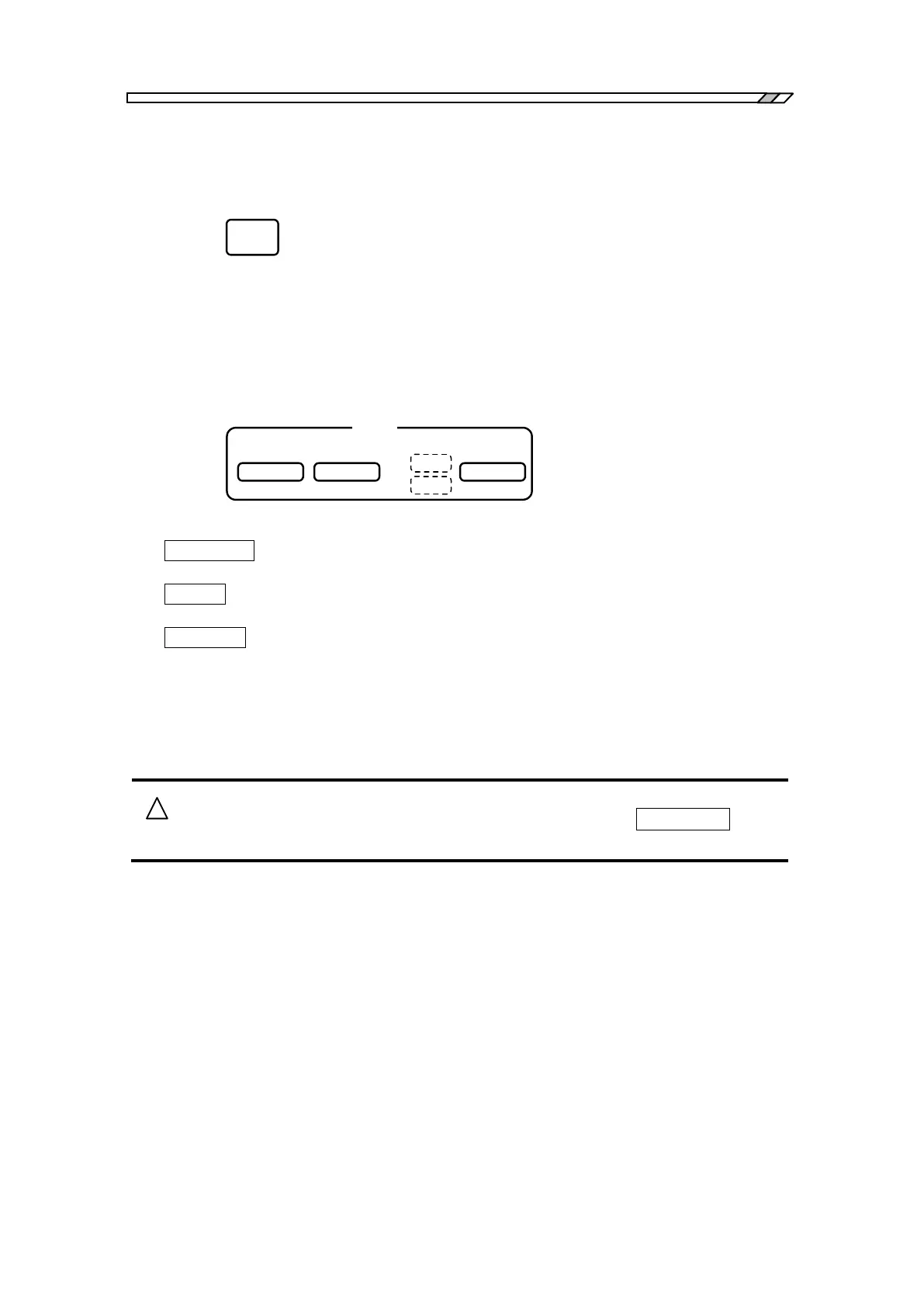
・AC/DC OFF : Press this key to turn off the output voltage. Both the AC and DC lamps
will be lit off.
・AC OFF : Press this key to turn off only the alternate current component of the output
voltage. Only the AC lamp will be lit off.
・AC/DC ON : Press this key to turn on both the AC and DC lamps and to output signals
from the oscillator. Once you have changed the output voltage settings, the
output voltage will not change until you press this key, even when both AC
and DC lamps are lit (on).
For more details, refer to “4.5 Oscillator setting”.
When you want to change the output voltage, press the AC/DC ON key by
all means.



 To Next Page