3.1 Panel descriptions
FRA5087
Register key
ENTRY
7
ENTER
4
1
0
8
5
2
.
9
6
3
-
EXP
m
k
M
SP
BS
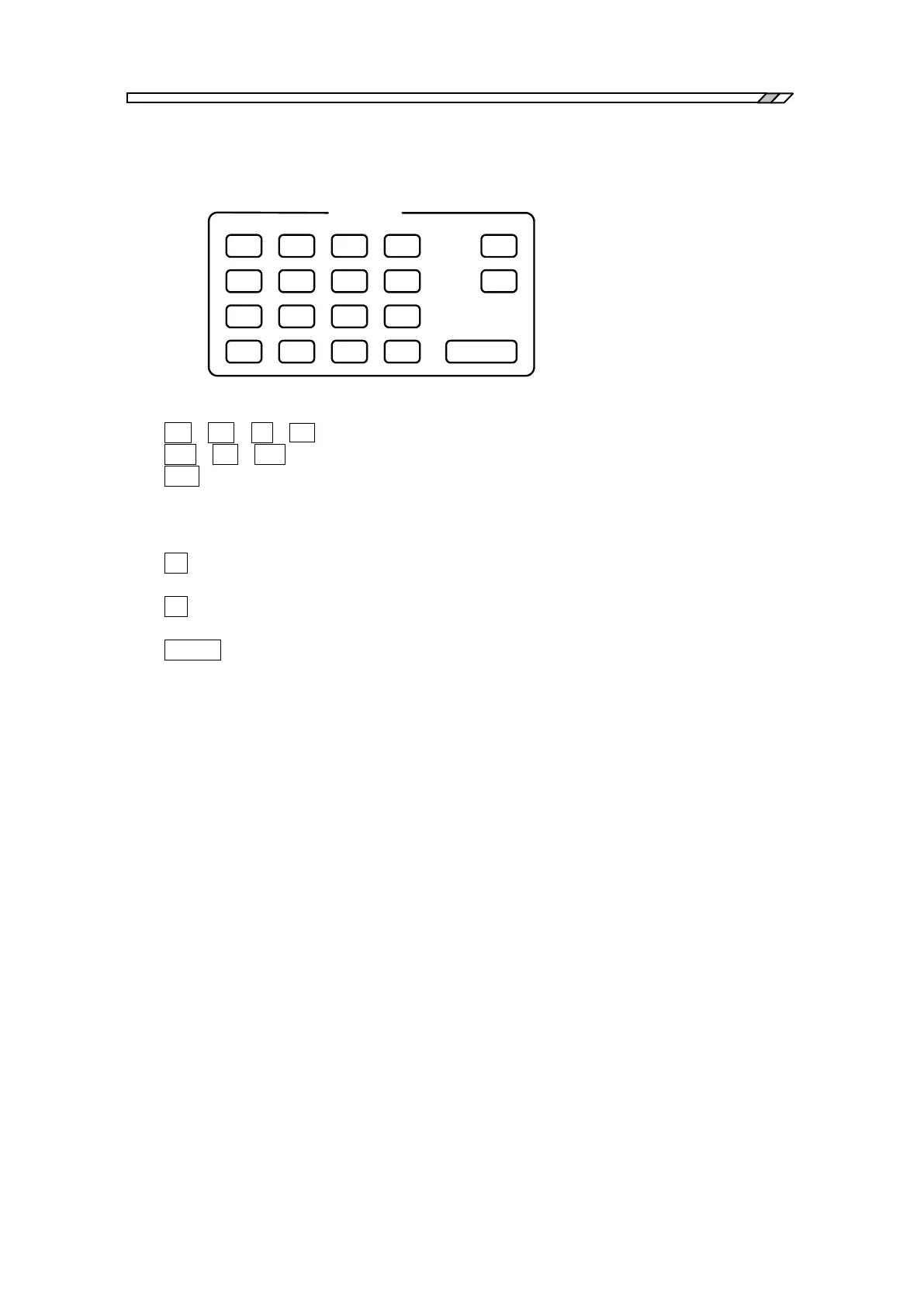
These keys are used to register setting parameters.
・ 0 ~ 9 . : These keys are used to enter numerical values.
・ M k m : These keys are used to indicate 10
6
, 10
3
and 10
-3
, respectively.
・EXP : These keys are used to enter numerical values in the exponential representation.
The values entered in the register by using the keys mentioned above will be displayed in the
register display portion located at the bottom of the LCD display screen.
・SP : This key is used to enter “space” in the character ring, e.g., titles. Note that this
key is invalid when you are entering numerical values.
・BS : This key function as a backspace key that deletes the last entered character in the
character ring or numerical values and puts the cursor back by one character.
・ENTER : This key is to execute settings of the character string or numerical values that have
been entered/registered. The setting continues unchanged until this key has been
pressed.



 To Next Page