4.4 Arbitrary Waveform
4-64 WF1946B
Other operations:
• Arbitrary waveform data input:
ARB EDIT
→ EDIT select →
ENTER
→
flashes the
waveform data (DT) digits. Use the keypad or
MODIFY
dial to set the data.
Data upper and lower limits are +32767 and −32768, which correspond to the amplitude peak-to-peak
settings. For this reason, when the waveform vertical limits are changed by the above type of
method, the amplitude setting (Vp-p) and the actual output waveform Vp-p do not coincide. The
data set addresses are automatically the linear interpolation addresses (the * mark is displayed).
• Clear (to 0) waveform data:
ARB EDIT
→ CLEAR select →
ENTER
, then again
press
ENTER
. The interpolation marks (*) are
also cleared.
• Apply a name to an arbitrary waveform:
ARB EDIT
→ NAME select →
ENTER
, then use the
MODIFY
dial to select the characters. Shift
position with
and
, and input.
Up to 8 characters can be input. Following are
the usable characters.
abcdefghijklmnopqrstuvwxyz
(space)
ABCDEFGHIJKLMNOPQRSTUVWXYZ0123456789
!”#$%&’()*+,− ./:;<=>?@[¥]^_`{|}→←
• Change the waveform data size:
ARB EDIT
→ SIZE select →
ENTER
→ Use
and
to select the data size
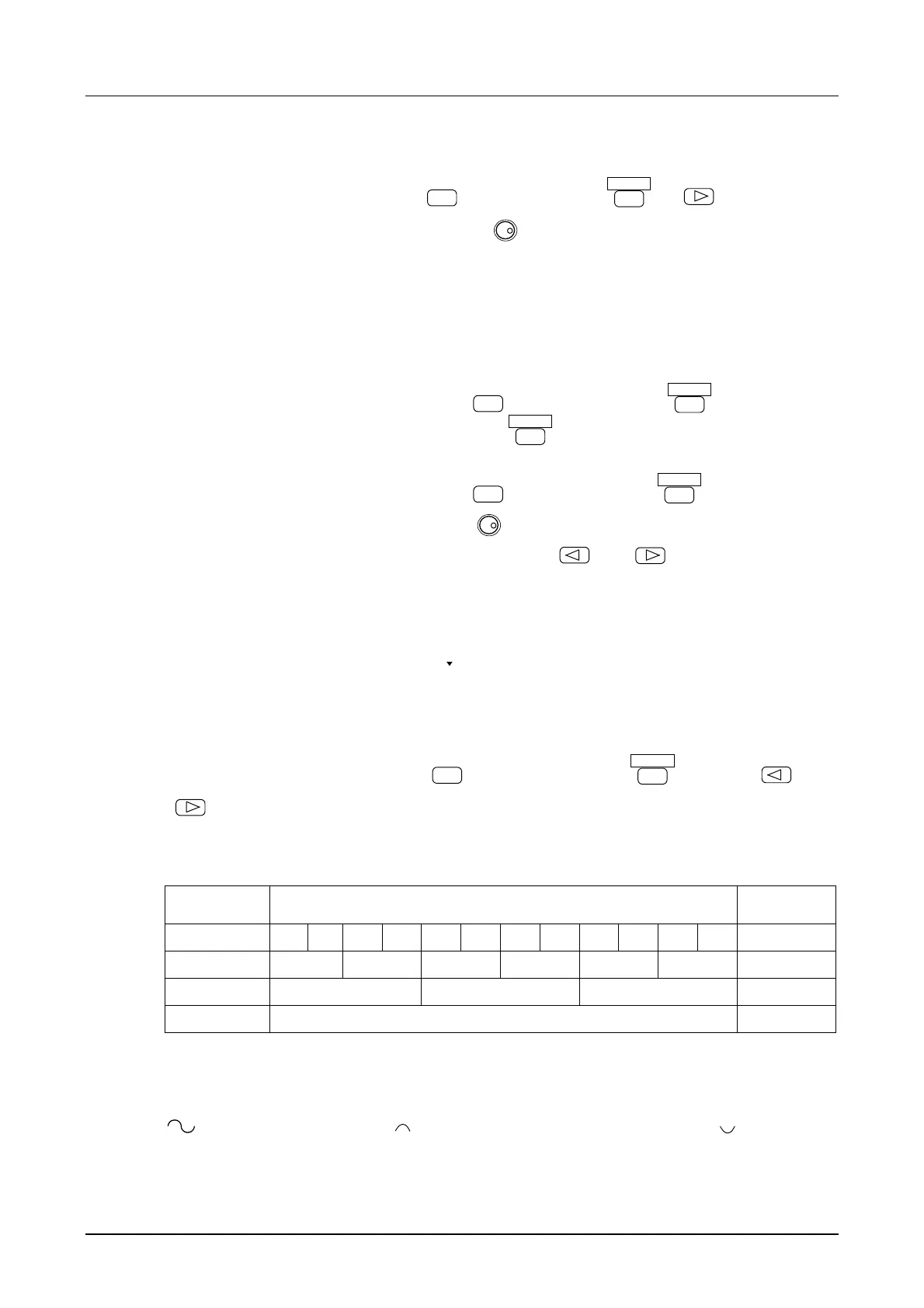
Relation between the waveform data size and number of waveforms
Data size
Waveform number
Number of
waveforms
8K(8192)
0 1 2 3 4 5 6 7 8 9 10 11 12
16K(16384)
0 1 2 3 4 5 6
32K(32768)
0 1 2 3
64K(65536)
0
1
The output waveform changes as described below when the waveform data size is changed.
If, for example, the waveform data size is changed from 16 KB to 8 KB when there is a waveform like
for waveform number 0, is assigned to waveform number 0 and to waveform
number 1.
• Arbitrary waveform data are common for CH1 and CH2.



 To Next Page