4.1 Burst oscillation
4-6 WF1946B
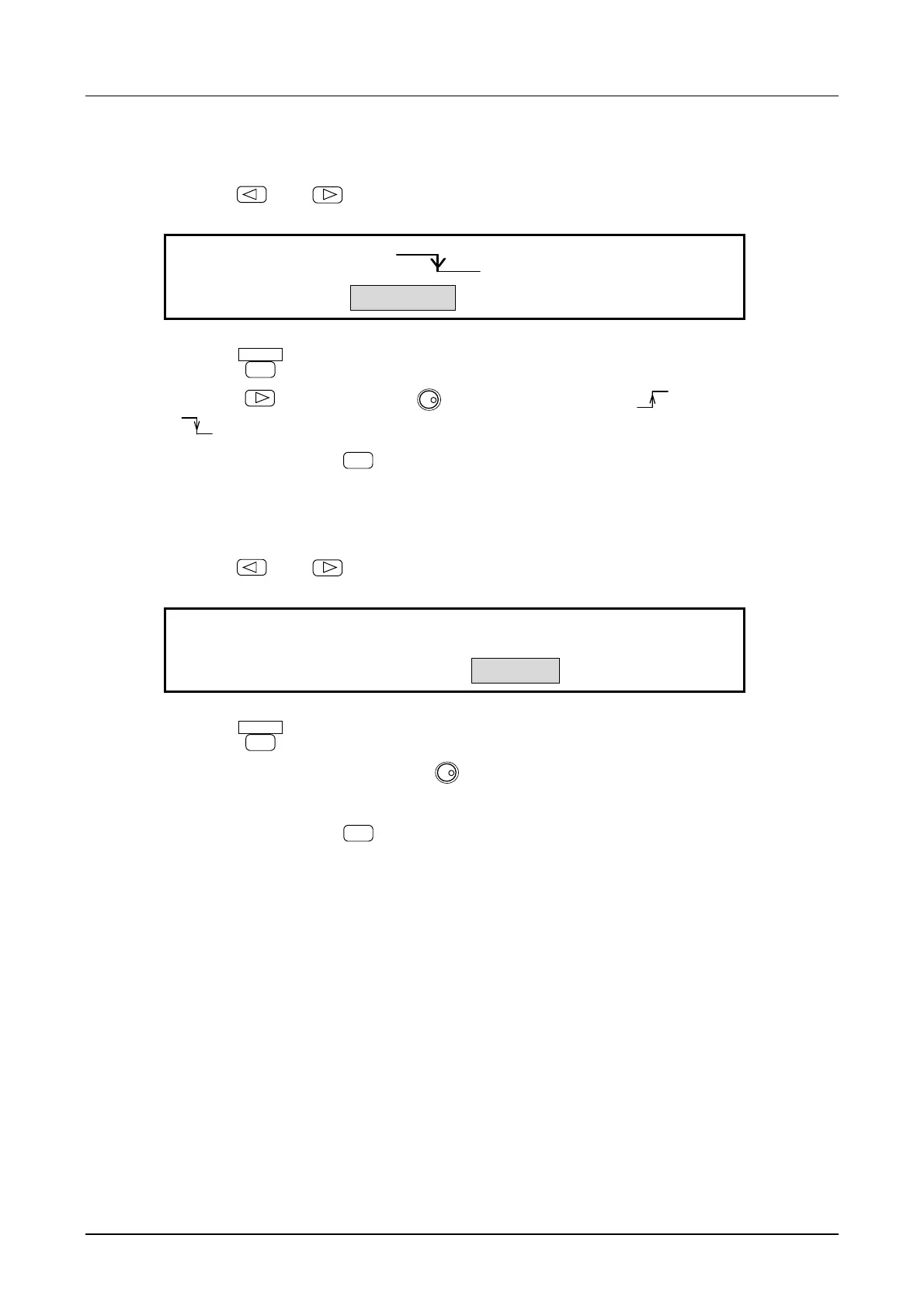
(2) Select trigger SOURCE
① Use the
and
keys to produce the following display (SOURCE flashes).
EXT
TRIG:TYPE SOURCE DELAY MARK
4
② Press the
ENTER
key.
③ Press the
key, then turn the
MODIFY
dial to select rising trigger ( ).
(
indicates falling trigger).
④ After setting, press the
EXIT
key once to release trigger source setting.
(3) Set DELAY time
① Use the
and
keys to produce the following display (DELAY flashes).
0.3μs
TRIG:TYPE SOURCE DELAY MARK
4
② Press the
ENTER
key.
③ Set the delay time with the keypad or
MODIFY
dial.
For example, set to 1 ms.
④ After setting, press the
EXIT
key once to release delay time setting.



 To Next Page