4.1 Burst oscillation
4-8 WF1946B
(6) Phase setting
① Press the
ENTRY
key, then the
PHASE
key
② Set the phase with the keypad or
MODIFY
dial.
For example, set the phase to 90 degrees.
③ After setting, press the
EXIT
key to release the setting mode.
The above sets burst oscillation (type: trigger). Oscillation is produced when a signal (
) is applied
to the TRIG/SWEEP IN connector.
Additional information
• Internal trigger : The trigger signal is produced at the rate indicated below for oscillation start/stop.
The trigger rate is common for CH1 and CH2.
INT
1.000ms
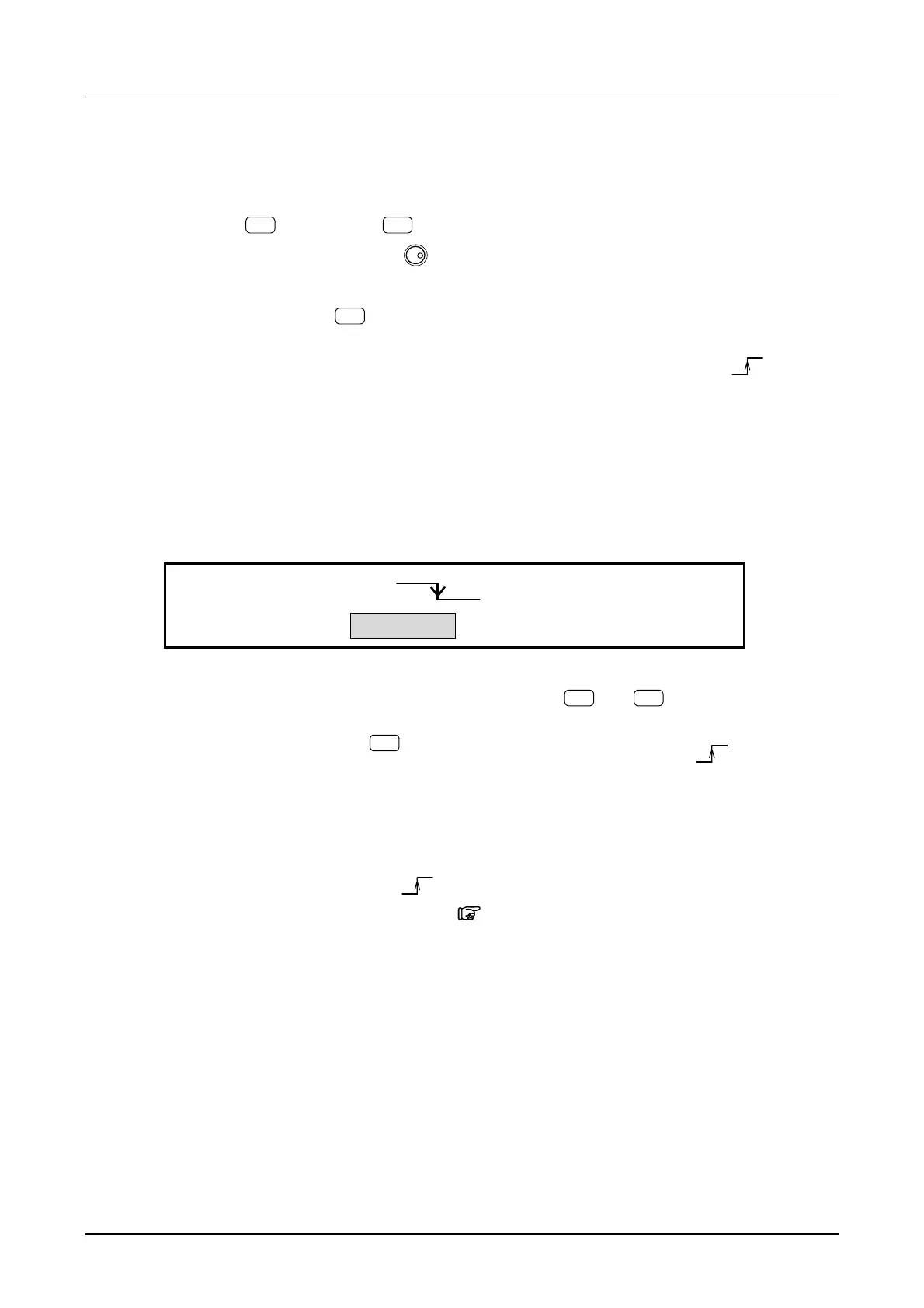
TRIG:TYPE SOURCE DELAY MARK
4
• Stop level off : Oscillation stops at the phase (set by
ENTRY
→
PHASE
) setting (mark cycle is
integer).
• Manual trigger : Press the
MAN TRIG
key, then set the trigger source to EXT ( ). Operation is
based on the logical OR of the external signal, key, and type of remote control
(GPIB or USB).
• To generate the trigger signal via remote control (GPIB or USB), set the GET command or TRG
command from the remote control interface.
Also, set the trigger source to EXT
.
For details of the remote control command,
“Remote Control Operation Manual”, cf.



 To Next Page