4.2 Sweep
WF1946B 4-19
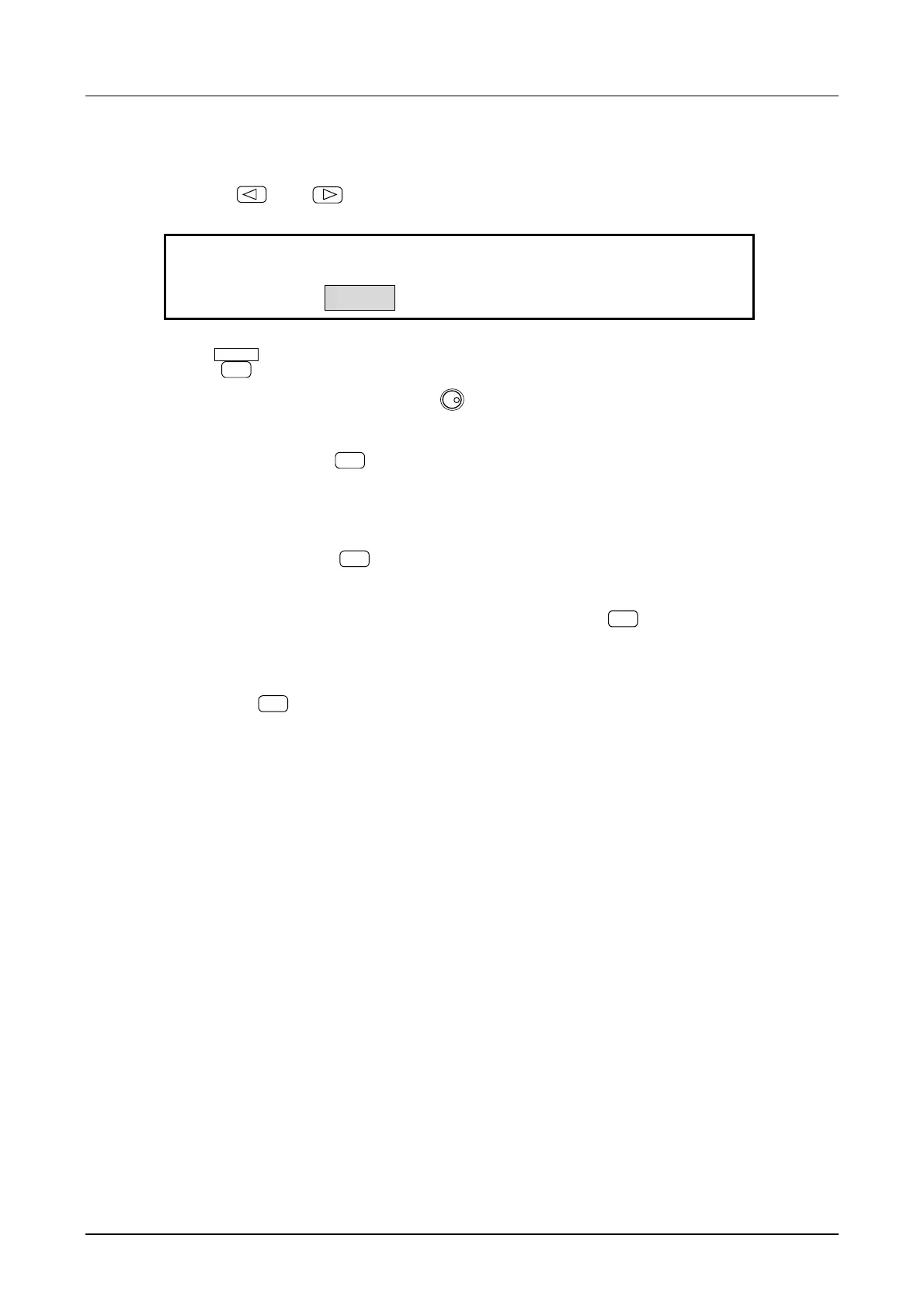
(6) Set sweep TIME
① Use the
and
keys to produce the following display (TIME flashes).
1.000 s
F-SWP:
3
TIME CENTER SPAN
4
② Press
ENTER
key.
③ Set the sweep time with the keypad or
MODIFY
dial.
For example, set to 3 seconds.
④ After setting, press the
EXIT
key once to release the sweep time setting mode.
(7) Sweep operation
① Sweep starts when the
START
key is pressed.
When sweep is started, an existing output frequency is quickly changed to the start frequency. If
desiring to set the start frequency output beforehand, press the
STOP
key.
The output quickly changes to the start frequency, then sweeps to the stop frequency in 3 seconds
(in this example). Oscillation then continues at the stop frequency.
When the
START
key is again pressed, sweep begins at the stop frequency and ends at the start
frequency.



 To Next Page