4.2 Sweep
WF1946B 4-27
• START-STATE and STOP-STATE: Set output to start and stop values, respectively. Since
sweep synchronization output becomes the respective start
and stop states, full-scale adjustments of the recorder and the
status of external equipment can be checked.
START-STATE is the same as pressing the
STOP
key
(during a continuous sweep).
Relationship between sweep values and sweep
synchronization output,
“4.2 Sweep (■Sweep value
and Z-MARKER/SYNC/X-DRIVE output)”, cf.
• Sweep type set to duty : Output waveform fixed to squarewave (variable duty) and
waveform (Function) cannot be selected.
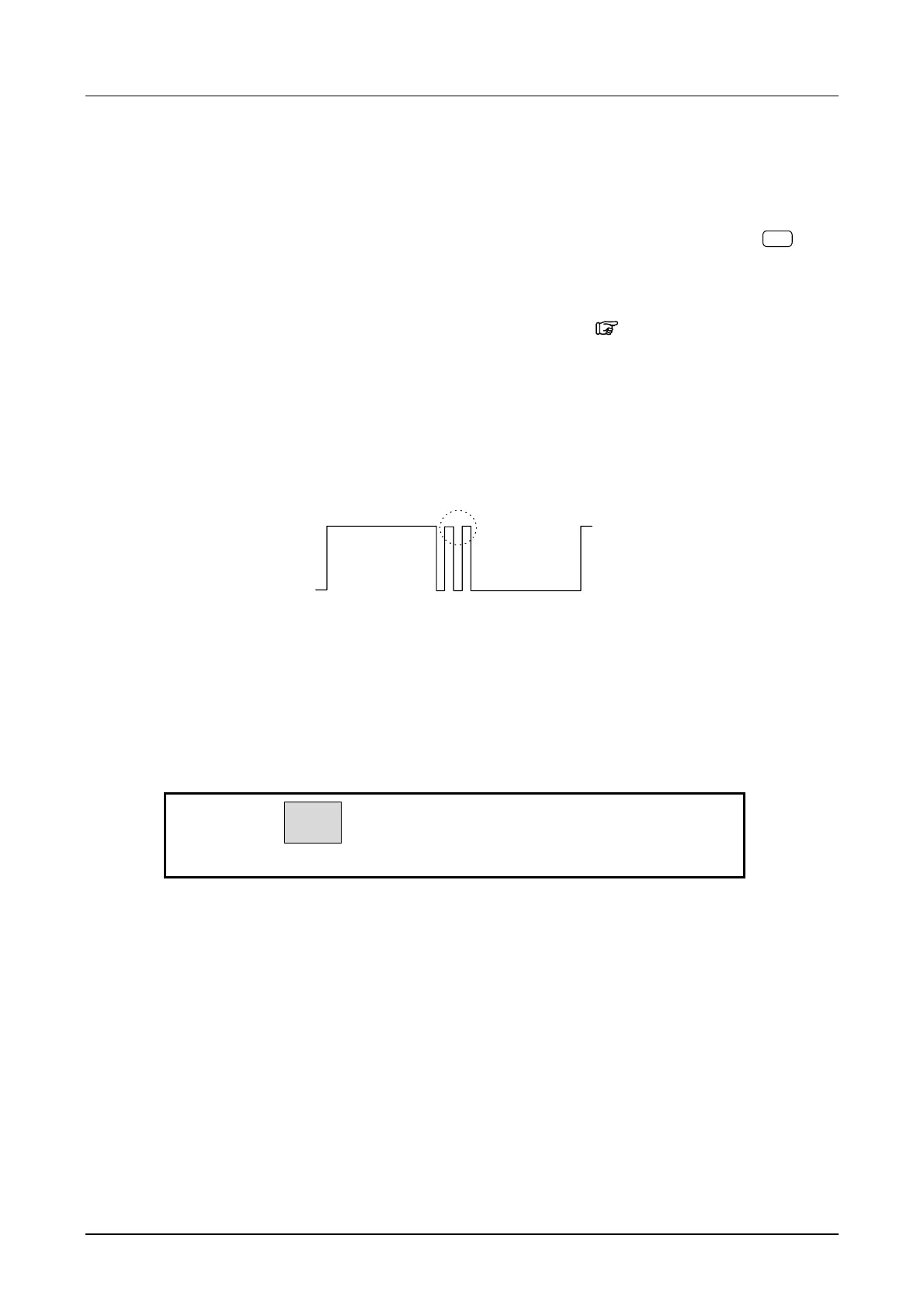
During a sweep, multiple pulses may be output in one cycle,
as shown below.
• During sweep, if the oscillation mode of the other channel is changed, sweep stops.
• To start, stop, pause, or restart a sweep operation on both channels simultaneously by manual
operation or via remote control (GPIB or USB), set both channels to sweep mode and set
OPER-COMMON to on.
If the BOTH lamp is on, behavior is the same even though OPER-COMMON is off.
OFF
ON
A-SWP:
3
OPER-COMMON



 To Next Page