4.2 Sweep
4-26 WF1946B
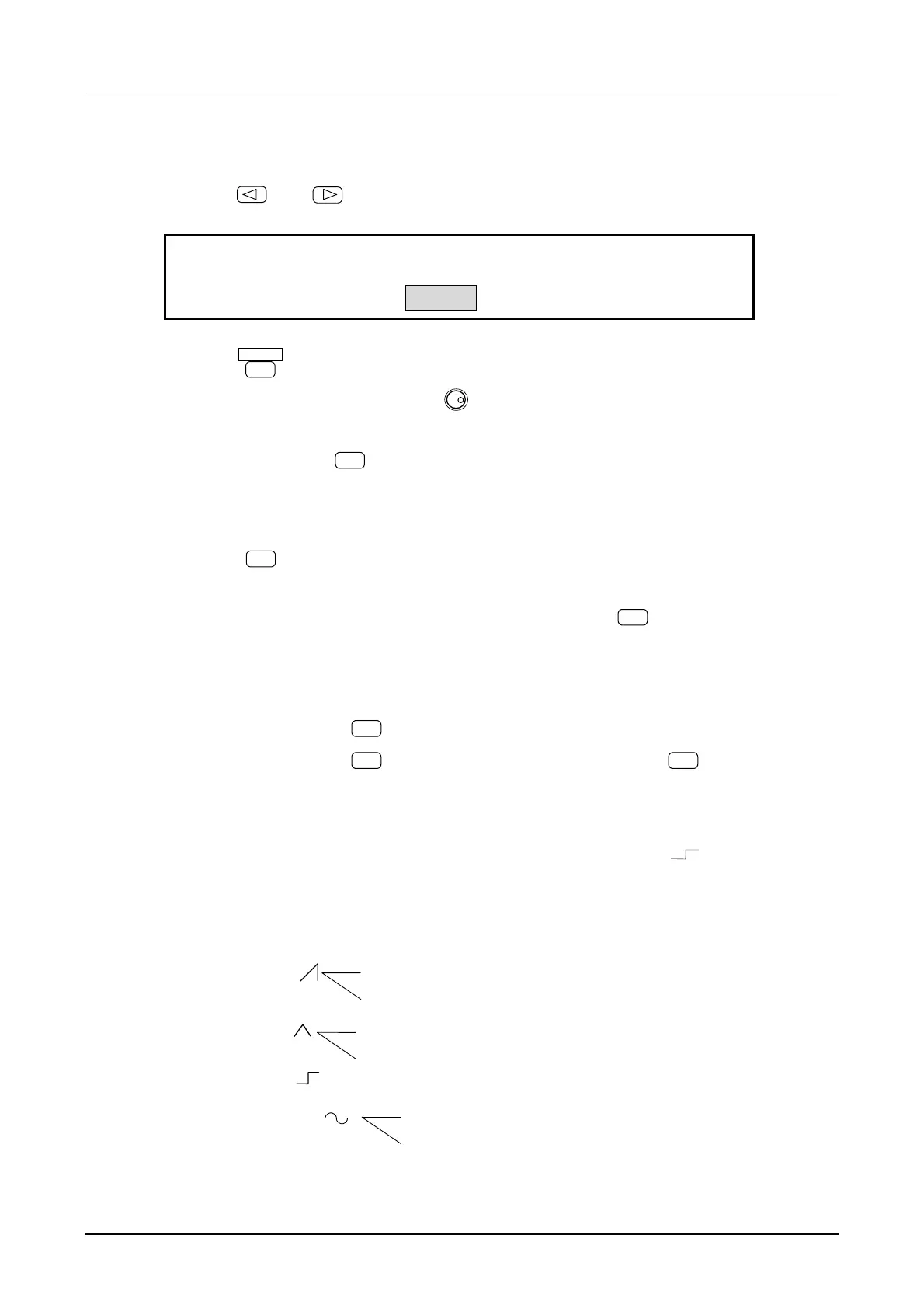
(6) Set the sweep TIME
① Use the
and
keys to produce the following display (TIME flashes).
1.000 s
A-SWP:
3
STOP TIME CENTER SPAN
4
② Press the
ENTER
key.
③ Set the sweep time with the key pad or
MODIFY
dial.
For example, set to 2 seconds.
④ After setting, press the
EXIT
key once to release the sweep time setting mode.
(7) Sweep operation
① Press the
START
key, then sweep starts.
The output quickly changes to the sweep start amplitude.
If desiring to set the start amplitude output beforehand, press the
STOP
key.
Other operations:
• Sweep stop : Press the
STOP
key. This becomes the sweep start value.
• Sweep pause : Press the
PAUSE
key. To resume sweep, again press the
PAUSE
key.
• External pause : Apply Low level to the rear panel SWEEP PAUSE IN connector. To resume
sweep, apply a High level or open input.
• FUNCTION : The function determines the sweep type. For example,
provides step-type
change of output (e.g., frequency) at the sweep time halfway point. LIN/LOG
provides linear or logarithmic variation of the output with respect to the time axis.
i
i
i
i
SIN ( )
LIN
LOG
LIN
LOG
LIN
LOG



 To Next Page