4.2 Sweep
WF1946B 4-31
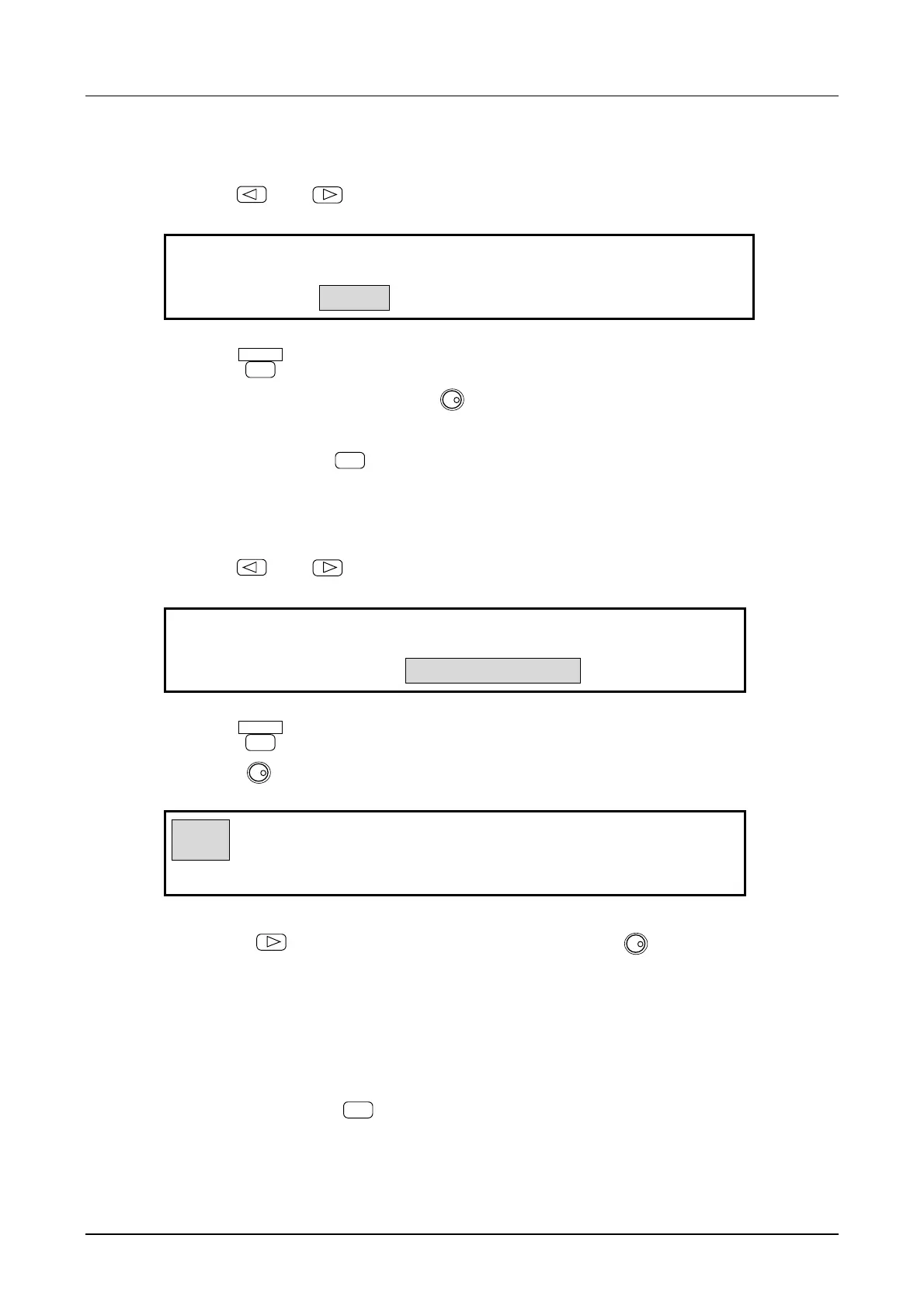
(6) Set the sweep TIME
① Use the
and
keys to produce the following display (TIME flashes).
1.000 s
F-SWP:
3
TIME STOP-LEVEL CENTER
4
② Press the
ENTER
key.
③ Set the sweep time with the keypad or
MODIFY
dial.
For example, set to 3 seconds.
④ After setting, press the
EXIT
key once to release the sweep time setting mode.
(7) Set the STOP-LEVEL
① Use the
and
keys to produce the following display (STOP-LEVEL flashes).
OFF
F-SWP:
3
TIME STOP-LEVEL CENTER
4
② Press the
ENTER
key.
③ Turn the
MODIFY
dial to produce the following display (ON flashes).
ON 0.00 %
F-SWP:
3
TIME STOP-LEVEL CENTER
4
④ Press the
key, then set the stop level with the keypad or
MODIFY
dial. For example, set to
50 %.
The stop level is a percentage with respect to the maximum positive and negative amplitudes taken
respectively as +100 % and -100 %.
⑤ After setting, press the
EXIT
key to exit stop level setting.



 To Next Page