3-72
3
REC/Offset
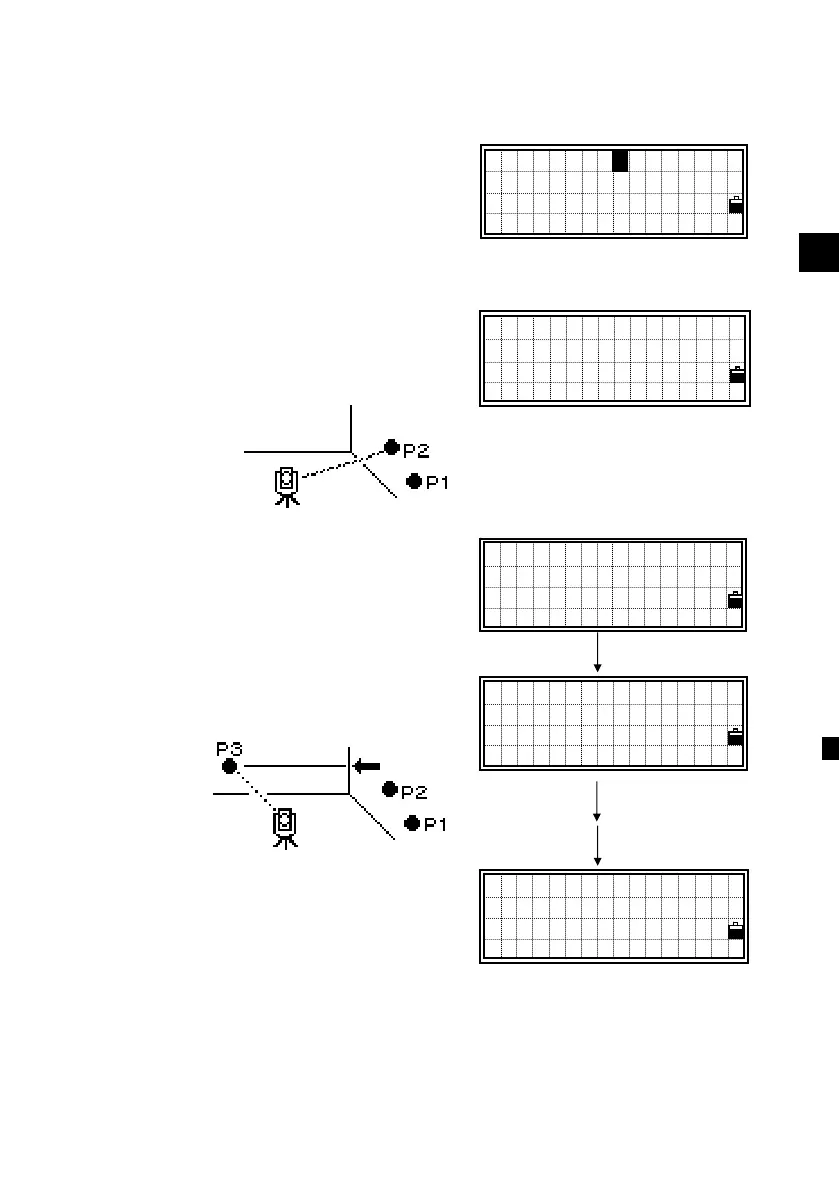
3-5) Corner Offset Measurements
After a distance measurement to the first
prism (or target) on the wall, press the
[REC], [2:O/S] and [5:Cnr] to get to the
Corner function.
Sight the second point on the same wall
with the first point measurement and
press [MSR] or [TRK].
After taking a measurement, press [ENT]
to proceed to next screen.
Sight the third point on the different wall
from P1 and P2. Press [MSR] or [TRK]
again.
When the corner point should be
perpendicular to the first wall (by P1&P2)
from the third point (P3), just presss
[ENT] or [4:3Pt] on the screen right.
[MSR]
[ENT]
[ENT]
Sight PT2
HA: 37°08 ’29 ”
Press MSRorTRK
1:Tape 5:Cnr
2:Angle 6:+SD
3:Pole 7:Circl
4:+Line
5
Sight PT2
HA: 35°21’09”
HD: 76.0483m
Sight PT3
HA: 35°21’09”
Press MSRorTRK
Sight PT4
HA: 124°01’36”
Press MSRorTRK
3Pt












 To Next Page