3-116
3
MENU/5: Comms
5-2) Upload Coordinate Data
Press [2] key to upload coordinate data via
cable.
The default data format is displayed. If
you would like to change the order of data
fields, you can press [3:Edit] (See next
page for details).
When you don’t have to change the order,
just press the [ENT].
You can also change the communication
settings by pressing [2:Comm] to match
those in your program.
“Free Space” is the total number of points
that can be stored.
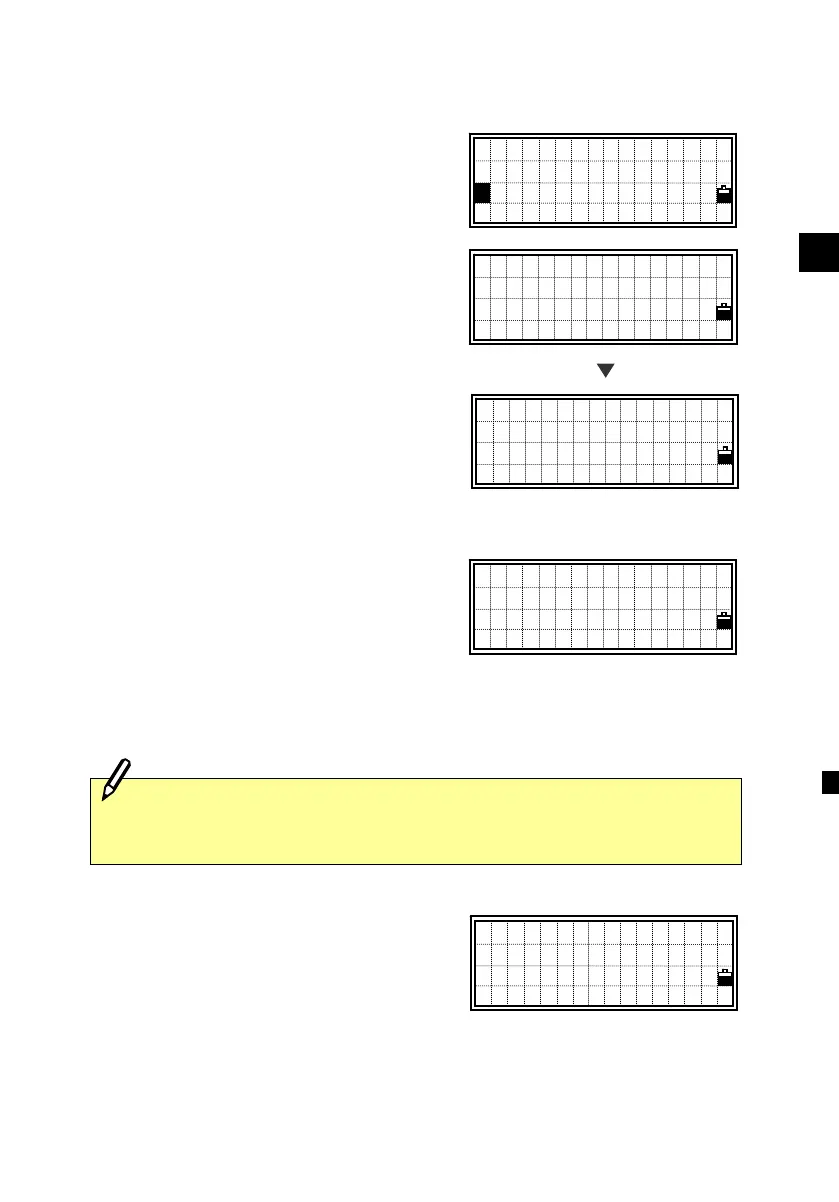
Connect the instrument and your
computer by RS-232C cable. Press the
[ENT] key on the instrument and start
sending data from your computer through
a communication program (usually SEND
TEXT file).
While each point is received by the
instrument, the “Record” number is kept
updating.
Please connect
RS232C cable
Press ENT
Free Space:312
Job=TOKYO15
- RECEIVING -
Record:15
Communication
1:Download
2:Upload Data
3:Upload List
2
Data Fields
PT/N/E/Z/CD/ /
Comm Edit
“Flow control” must be set to “Xon/Xoff” on your communication
program.
>Baud :38400
Length :8
Parity :NONE
Stop bit:1
[2]












 To Next Page