3-7
3
Input Point Name/Numbe
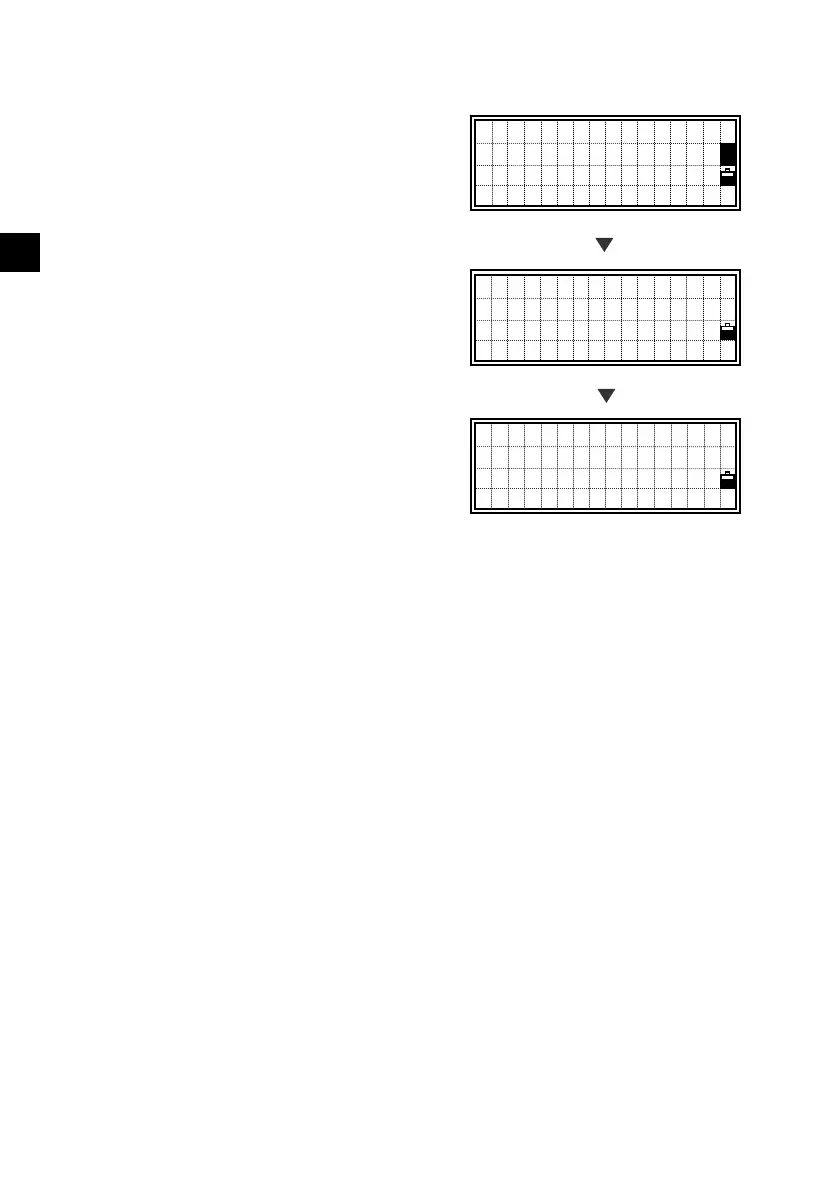
4) When a wildcard (*) is specified
A list of available points are displayed
when you use an asterisk to input PT or
CD.
Use the up/down arrow keys and [ENT] to
select the point you want to use.
If more than four points match the input
conditions, there will be a ↓ sign in the
lower right corner. You can also use the
Right/Left arrow key to
page-up/page-down the list. (See p.3-12)
When you select a point from the list, its
coordinate is displayed briefly and a beep
is sounded before proceeding to the next
step.
PT:39
X: -52.2310
Y: 2844.3600
Z: 135.3250
Input 1st Point
PT:
HT: 1.5000m
CD:FENCE*
MP,12,FENCE3
UP,23,FENCE6
MP,39,FENCE51
[ENT]
[ENT]












 To Next Page