3-9
3
How to Input a Code
3) Code List
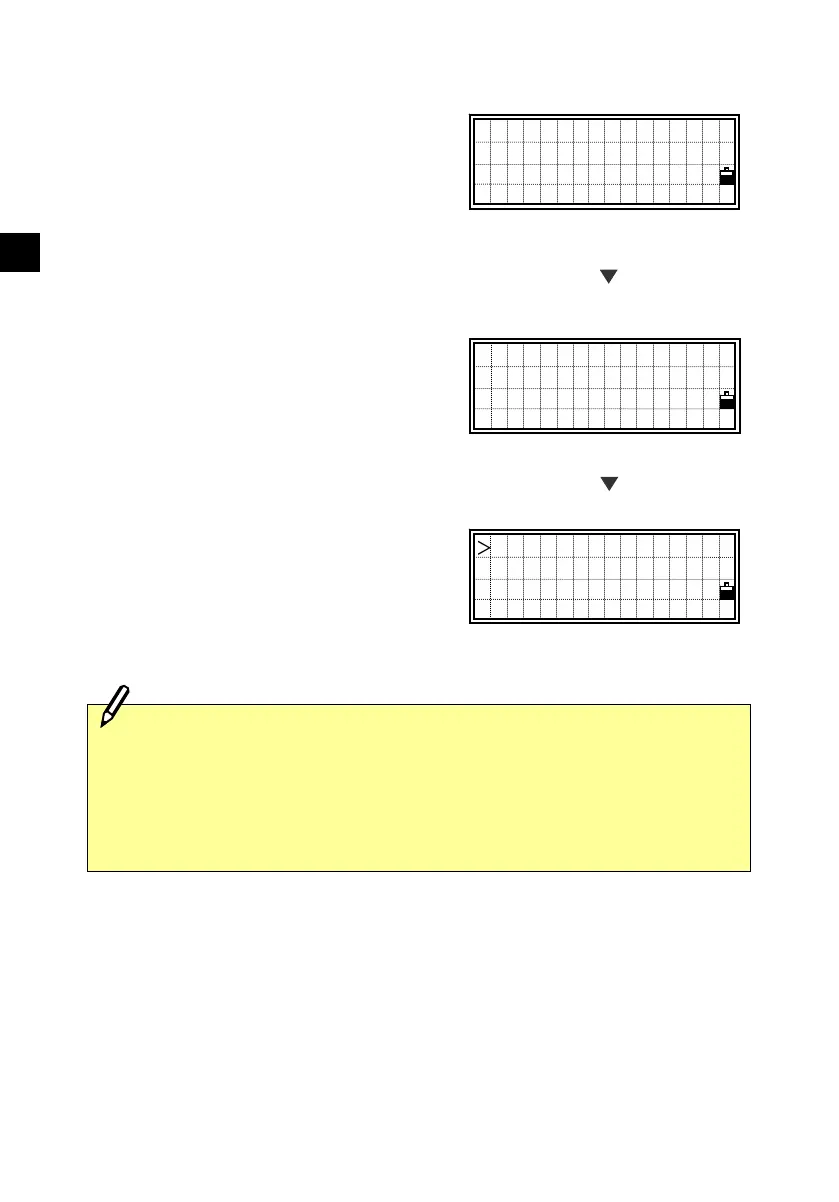
Press the [Lst] key to display a feature
code List. It shows the first four codes
from the first layer.
To edit the Code List, you can go into
MENU/4:Data/3:Code List.
(See p.3-109)
There is a “→” at the end of each Layer
name. “Layer” has more Codes
underneath. For example, when you press
the [ENT] key on “SURFACE→”, it
shows another layer under the
“SURFACE”
When a feature code is selected, it is
added to the CD: field. If a code already
exists and the cursor is on its first
character, it will be replaced by the new
code.
PT:10053-A10
HT: 1.6050m
CD:CURB
Lst O/S Qcd Stk
STRUCTURE
SURFACE→
SURVEY→
VEGETATION ↓
CMP
MB→
RCP
SPR
[Lst]
[ENT]
All items in the List are shown in alphabetical order. The “first
character search” is also available to find a desired code quickly.
You can just input the first character of the feature code directly by
using ten-key. While the List is shown, the ten-key is actually set to
alpha-numeric input mode. (See next page)












 To Next Page