3-16
3
PW
Turn Off the Instrument
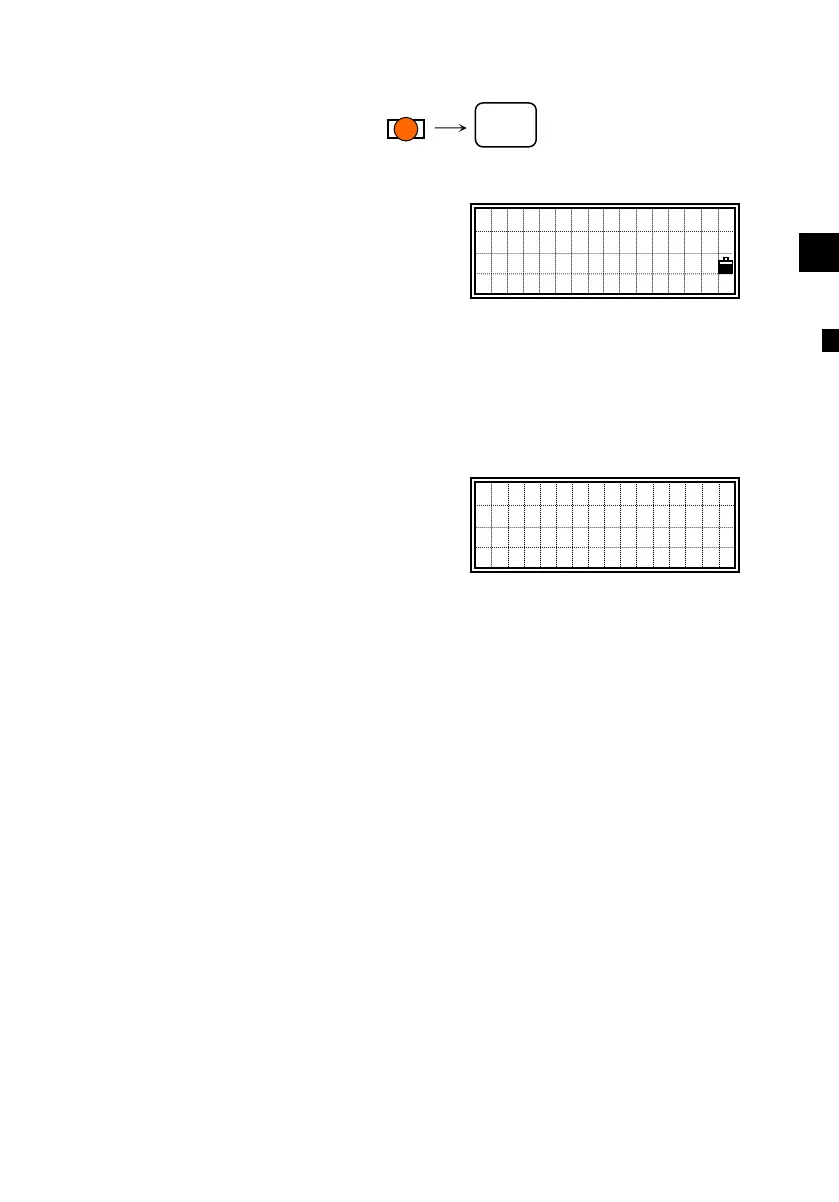
Press [PWR] and [ENT] to turn off the
instrument.
[2:Rst]=re-boots the program and starts over.
[4:Save]=puts the instrument into sleep mode.
[ESC]=cancels the power-off process and returns to the previous
screen.
“Sleep mode” is automatically activated
based on the Power Save setting (see
p.3-91) or when the [2:Save] is selected
on the above screen.
In this mode, LCD backlight is to be
turned off.
Any key input, receiving a remote control
command or rotating the instrument will
wake up the instrument.
Press ENT →OFF
Rst Save
Sleeping. .
PWR
ENT
○












 To Next Page