3-65
3
REC/Qcode
2) Qcode
Quick measurement & recording by less key-press
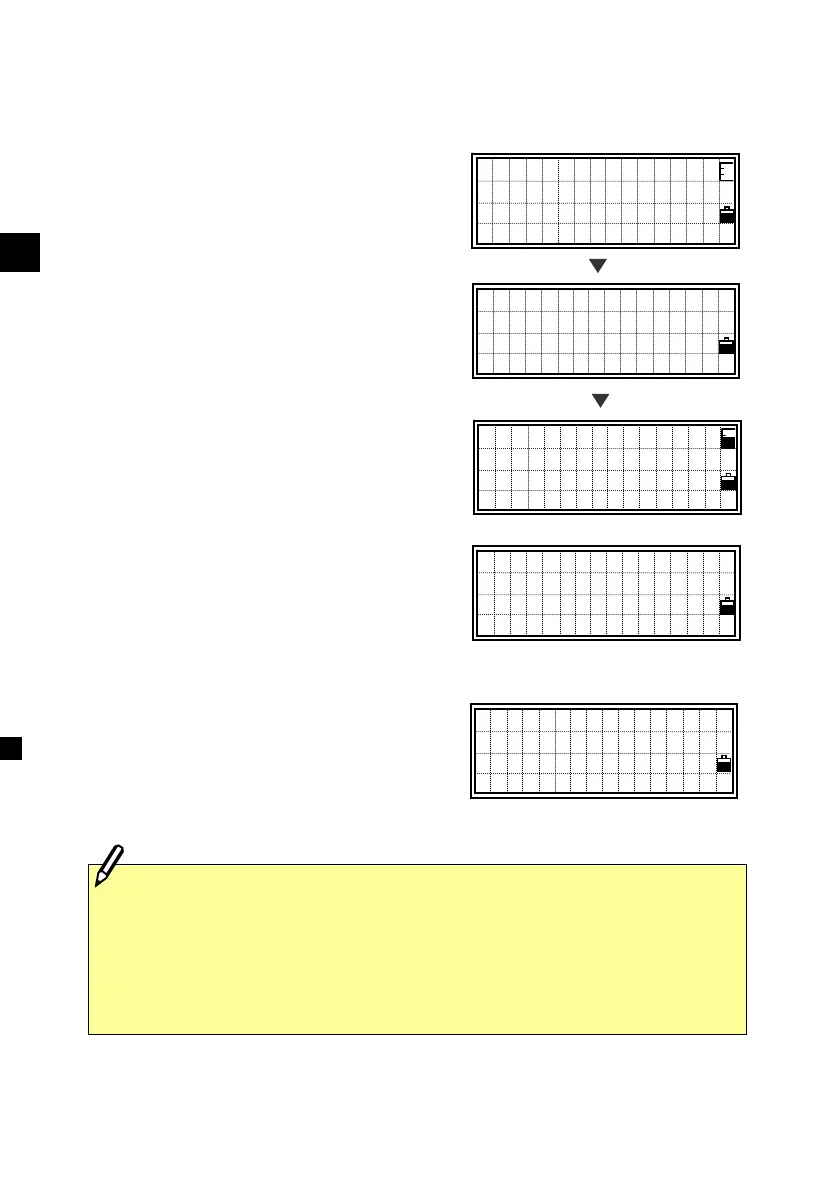
To activate the Qcode mode, press [Mode]
on the BMS.
The default PT is shown in the bottom line.
Pressing any numeric key will initiate a
measurement and input a defined code for
each key at the same time.
The feature code which has already
assigned to the key will be shown while
taking a measurement.
When the Qcode mode in HOT/6:Qmode
is set to “Confirm: Yes”
(See p.3-27), the
recording point screen is shown.
The feature code is defaulted to the one
assigned to the key.
Press the [ENT] key to record the point.
The next PT number is increased by one.
To exit Qcode mode, press the [Mode] or
[ESC] key.
PT:10053―A10
HT: 1.600 m
CD:CMP
Lst O/S Qcd Stk
[Mode]
[1] to [0]
Press the [HOT] key twice to get into HOT /5:Qedit function. (See
p.3-26)
When Qcode mode in HOT/6:Qmode is set to “Confirm: No”, the
recording screen is not shown and the point is simply recorded after
the measurement completes. (See p.3-27)
HA:316°50’40”
VA: 91°25’35”
SD: 150.687m
QPt=10053-A10
HA:316°50’40”
VA: 91°25’35”
SD: 150.687m
DSP1/4
HA:316°50’40”
VA: 91°25’35”
SD: m
QPt=10053-A11
HA:316°50’40”
VA: 91°25’35”
SD: - m
Qcd=MANHOLE












 To Next Page