3-81
3
MENU/1: Job
1-3) Deleting Job
On the Job list screen, move the cursor to
the Job you want to delete.
Then, press the [MENU] key to display
the sub-function menu.
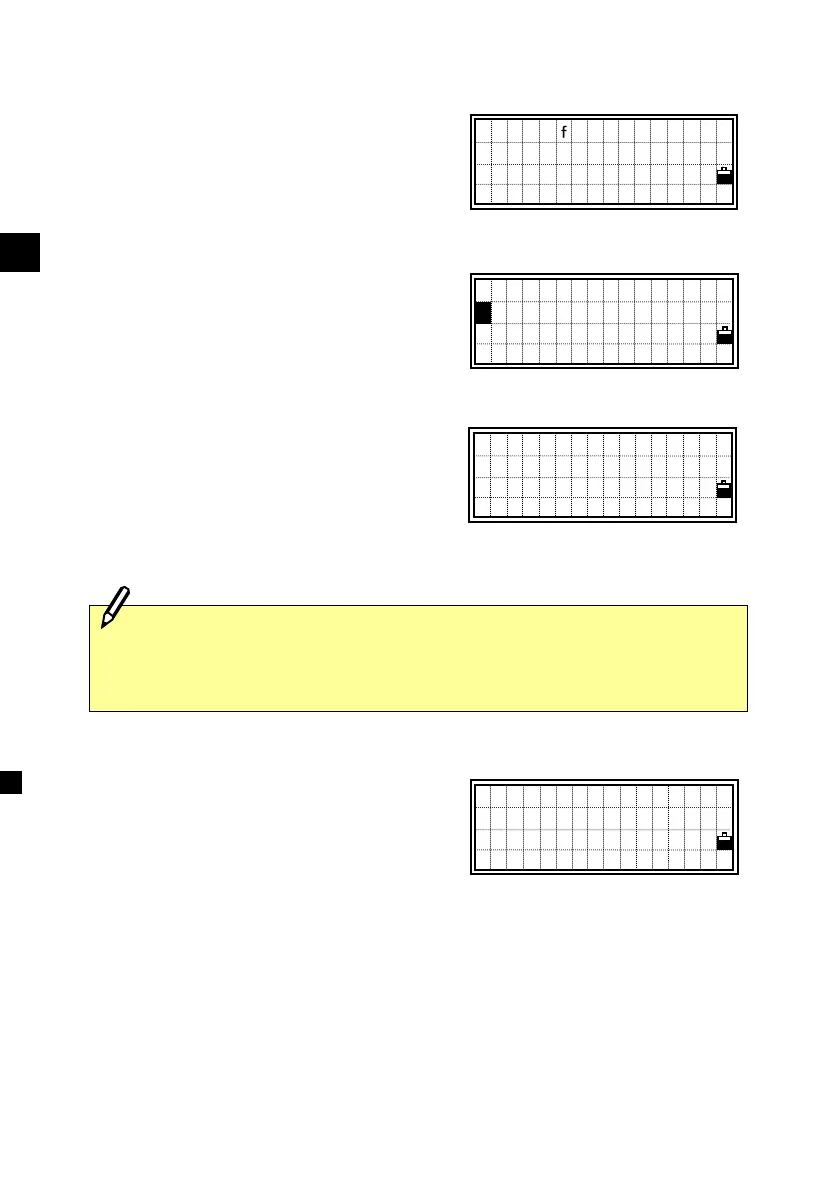
Select [2:DEL] by pressing the [2] key.
You can also choose it using the Down
arrow and [ENT] keys.
A confirmation screen is shown.
Press the [ENT] or [4] key to delete the
Job you chose. Press the [ESC] or [1] key
to cancel the process and return to the
previous screen.
It returns to the Job list screen after
deleting the Job.
MENU for option
>*TOKYO10
NEWYORK3 @
!TEST―A56 ↓
1 Create
DEL
3 Control
4 Info.
2
Delete JOB
TOKYO10
Are you sure?
No Yes
- DELETING -
There is no “UNDELETE” function in the Job manager so before you
press the [ENT] key, please make sure that the selected Job is the one
you really want to delete.












 To Next Page