3-109
3
MENU/4: Data
4-6) Code List
Select [3:Code List] from the View/Edit
menu.
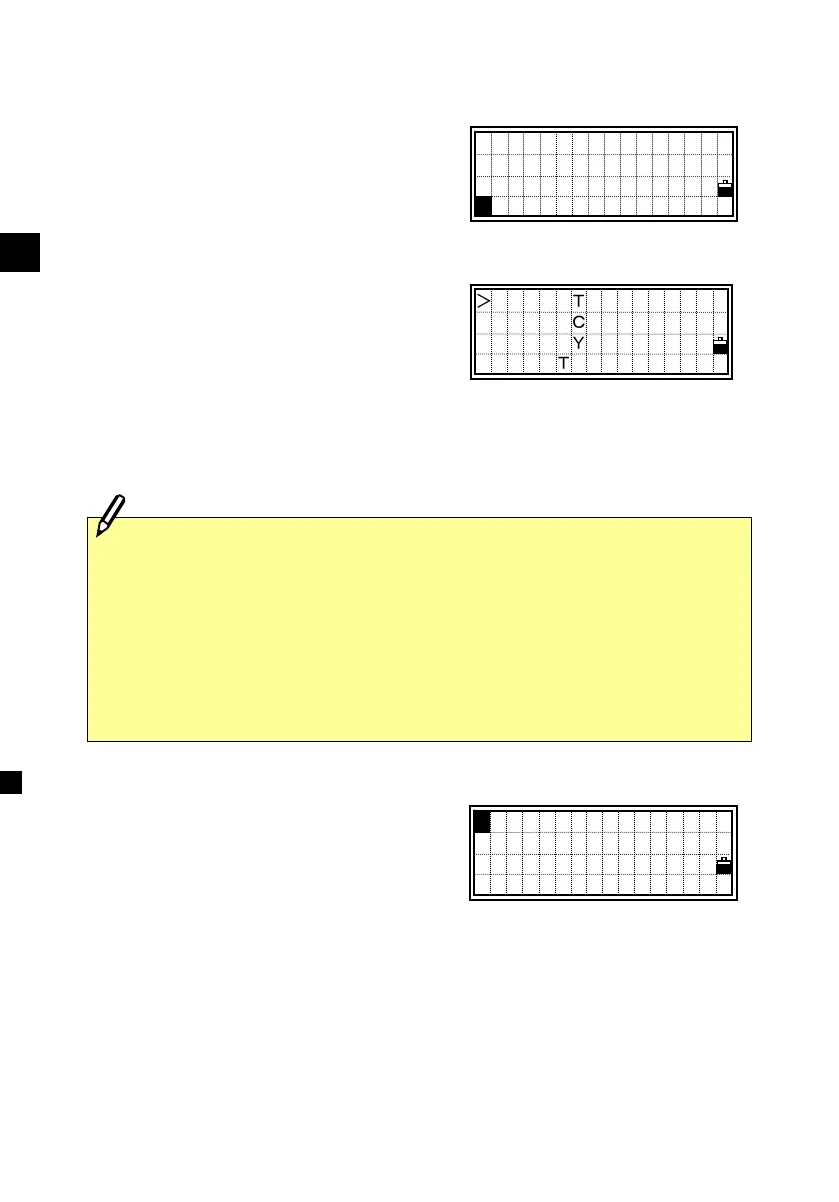
It shows the first four feature codes (or
layers) on the first layer of the Code List.
The codes (and/or layers) are shown in
alphabetical order.
Place the cursor using the Up/Down
arrow keys to the code or layer name you
want to edit, then press the [MENU] key.
The Code List sub-function menu is
displayed. Four functions are available
for Code List management.
[1:DEL]= deletes the selected feature code or layer
[2:Edit]= allows editing and updating of the Code List.
[3:Add Code]= adds a new feature code to the current layer.
[4:Add Layer]= adds a new layer beneath the current layer.
STRUCTURE
SURFACE
SURVEY→
VEGETATION
↓
:DEL
2:Edit
3:Add Code
4:Add Layer
1
・Maximum 254 codes (and/or Layers) can be stored.
・Each code (or Layer name) is up to 12 characters.
・‘First character search’ is available to find a feature code (or Layer) you
want. When the “List” screen is shown, the keyboard is in alpha input
mode and the cursor will move to the feature code starting with the first
character you input. (See p.3-10)
View/Edit
1:RAW data
2:XYZ data
3:Code List
3












 To Next Page