3-78
3
MENU/1: Job
Using Various Functions (menu-key)
Press the [MENU] key to display the MENU screen.
1) Job Manager
Press the [1] key on the MENU screen to
get into the Job Manager. It shows a Job
list. The newest created Job name will be
displayed on the top of the list.
1-1) Opening an existing Job
Use the up/down arrow keys to place the
cursor on the desired Job name and press
the [ENT] key to open it.
* ----- Current open Job
@ ----- Control Job
! ----- Some of the Job settings
are different from the current
one on the instrument.
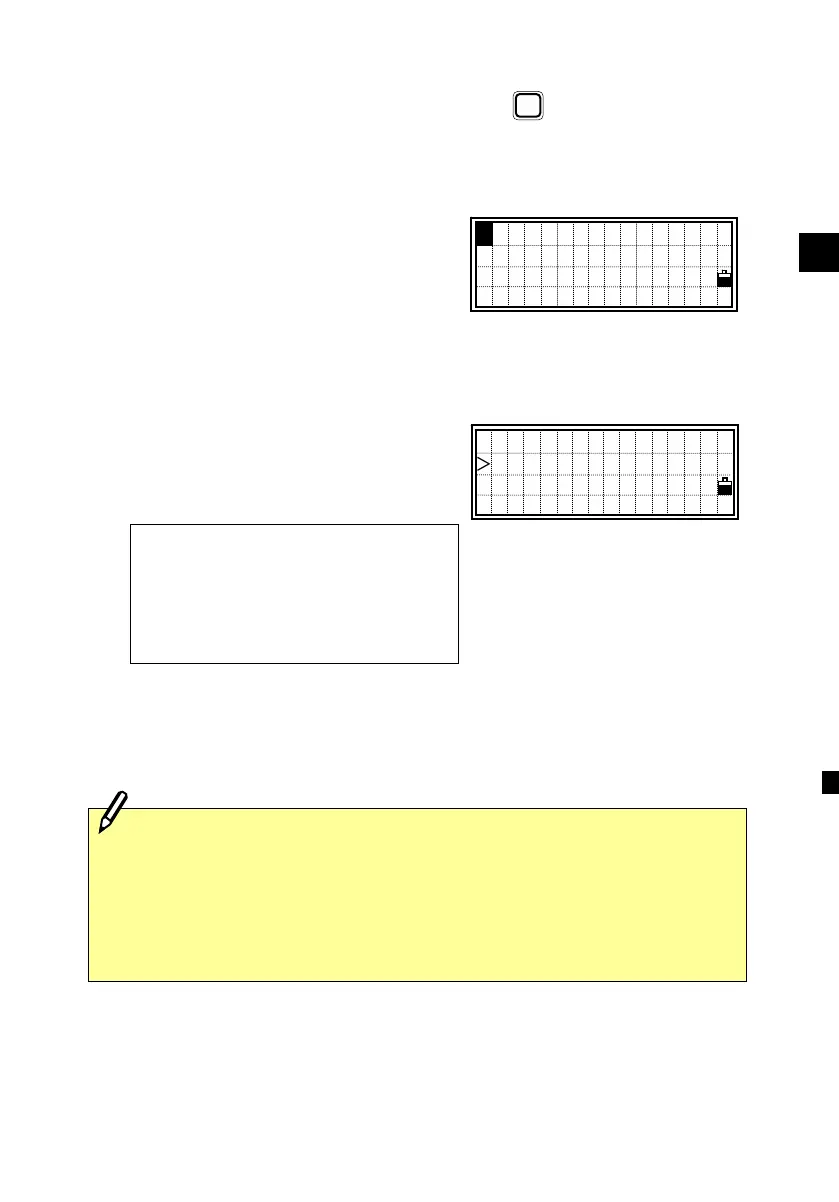
When there are more than three Jobs, “↓”
will be indicated in the lower right corner
of the list.
MENU
MENU for option
*TOKYO10
NEWYORK3 @
!TEST-A56 ↓
・If no Job is created when entering this function, it shows the new Job
input screen directly.
・When a Job is opened, all Job settings are automatically changed to the
ones in the Job being opened.
1:Job 5:Comms
2:Cogo 6:Time
3:Sett 7:Calib
4:Data 8:Note












 To Next Page