3-24
3
MODE
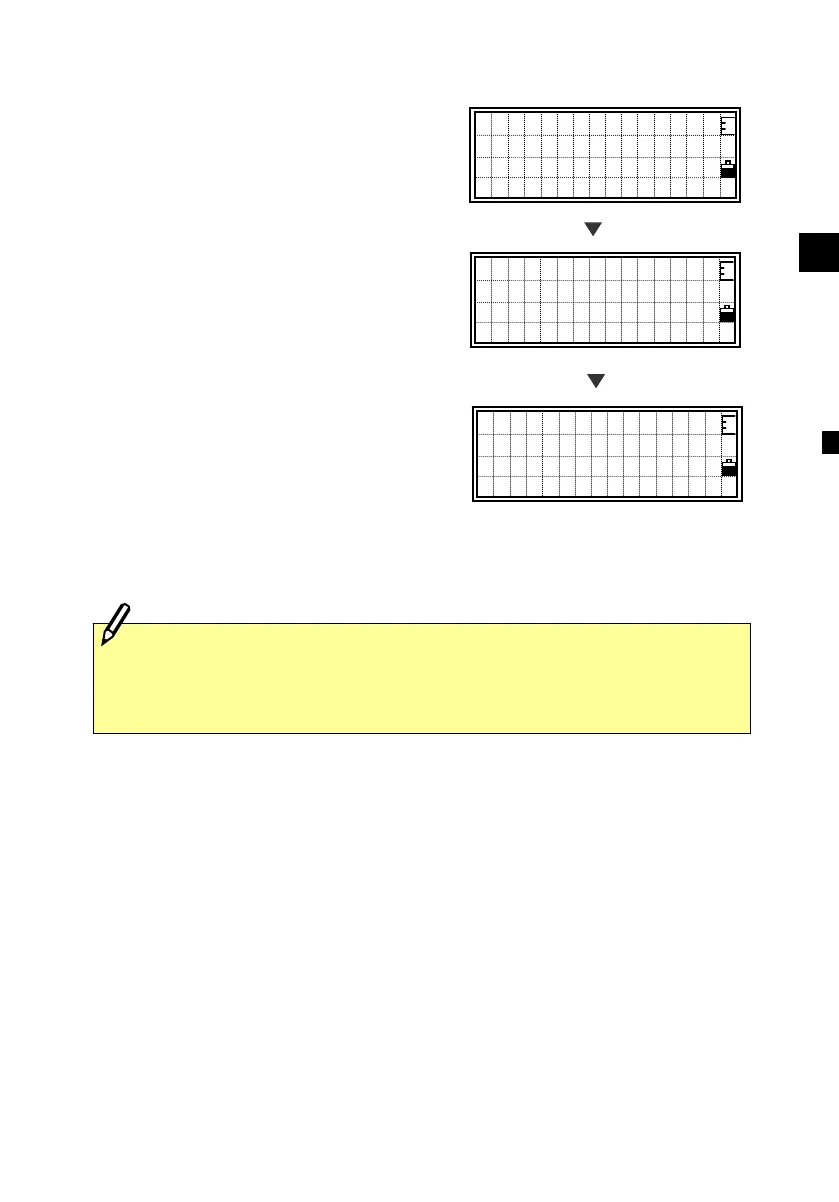
2) Quick Code Mode (from BMS)
When you press the [Mode] key on the
BMS, it activates the
Quick code
measurement mode.
(See p.3-65)
A default point name is displayed on the
last line. Press any numeric key to start
measurement and record points.
When a measurement is started, “QPt”
field is changed to “Qcd” to show the
feature code assigned to each key.
Press the [Mode] or [ESC] key to return to
the BMS.
[Mode]
HA:316°50’40”
VA: 91°25’35”
SD: 150.687 m
DSP1/4
HA:316°50’40”
VA: 91°25’35”
SD: 150.687 m
QPt=10053-A10
HA:316°50’40”
VA: 91°25’35”
SD: 150.687 m
Qcd=CURB
Any [1] to [0]
・To assign a feature code to each key Æ HOT/5:Qedit (See 3-26)
・To change the Qcode recording mode Æ HOT/6:Qmode (See 3-27)












 To Next Page