3-67
3
REC/Offset
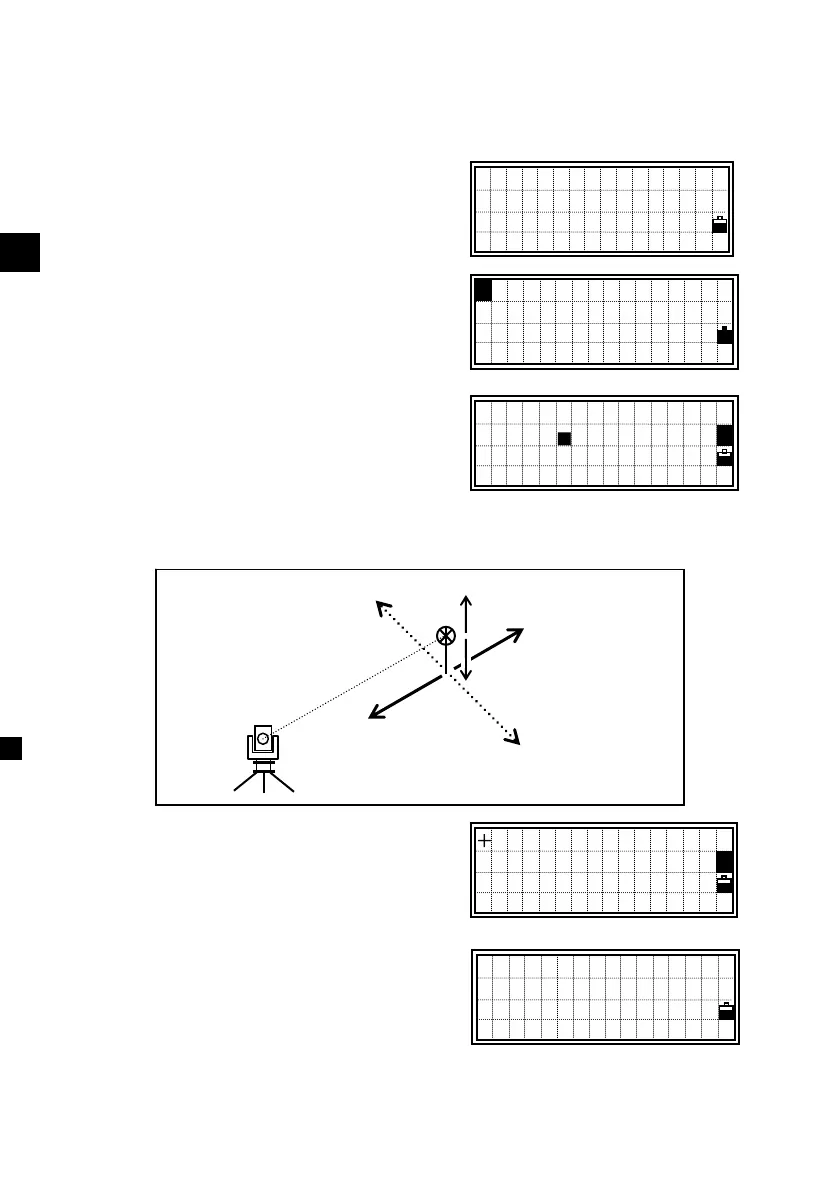
3) Offset Measurements
3-1) Tape Offset Measurements
After a distance measurement to a point,
offset measurement is available when you
press the [REC] key.
Press [2:O/S] and [1] key to enter the
tape-offset.
Input offset distance from the measured
point. You can choose the direction to
take an offset by Up/Down arrow keys.
[1:R/L] = Right(+)/Left(-)
[2:O/I] = Out(+)/In(-)
[3:U/D] = Up(+)/Down(-)
You can enter any combination of taped
offset distances to specify the offset.
Press the [ENT] key in the U/D field and
the new point with the offset is calculated
and recorded to the open Job.
The RAW data will also be recalculated
based on the tape-offset value.
-
L
f
-
Right (+)
O
+
Up
Down
PT:10053-A10
HT: 1.605 m
CD:CURB
Lst O/S Qcd Stk
+/- Tape Offset
R/L:
■
O/I:
U/D:
/- Tape Offset
R/L: 0 .500 m
O/I: -0.700 m
U/D: 1 .200
■
m
1
- REC RAW -
Job:TOKYO23
1:Tape 5:Cnr
2:Angle 6:+SD
3:Pole 7:Circl
4:+Line












 To Next Page