3-120
3
MENU/6: Time
6) Date & Time
Press the [6:Time] key on the MENU
screen to display the Date & Time screen.
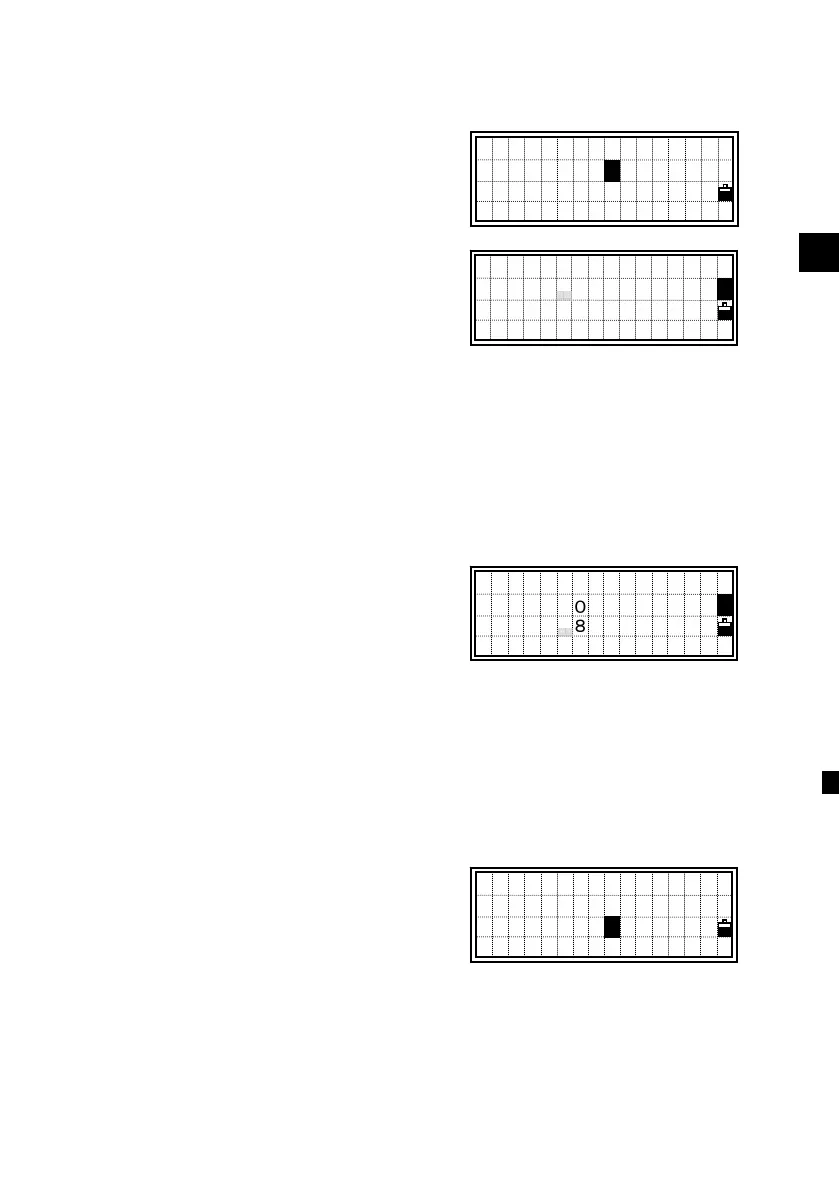
Date & Time in the current setting are
shown.
The Date format is Year-Month-Day.
For example, if you want to change the
date to January 18, 2000, then press:
2000 [ENT] 1 [ENT] 18 [ENT]
or
just press [ENT], [ENT], and 18 [ENT] on
the screen right.
Pressing [ENT] on the “Day” field moves
the cursor to the “Time” field.
Input Hour and Minutes in the 24-hour
system.
Press the [ENT] at “Minutes” field to
finish the input of Date & Time.
Press the [ESC] to cancel the input.
7) Calibration
Press the [MENU] and [7] key to enter the
instrument calibration screen. (See p.4-2)
1:Job 5:Comms
2:Cogo 6:Time
3:Sett 7:Calib
4:Data 8:Note
6
1:Job 5:Comms
2:Cogo 6:Time
3:Sett 7:Calib
4:Data 8:Note
7
Date:2000-01-17
Time:08:12
Date:2000-01-18
Time:08:12
1












 To Next Page