3-14
3
PW
3-3 Getting Started
Turn On the Instrument
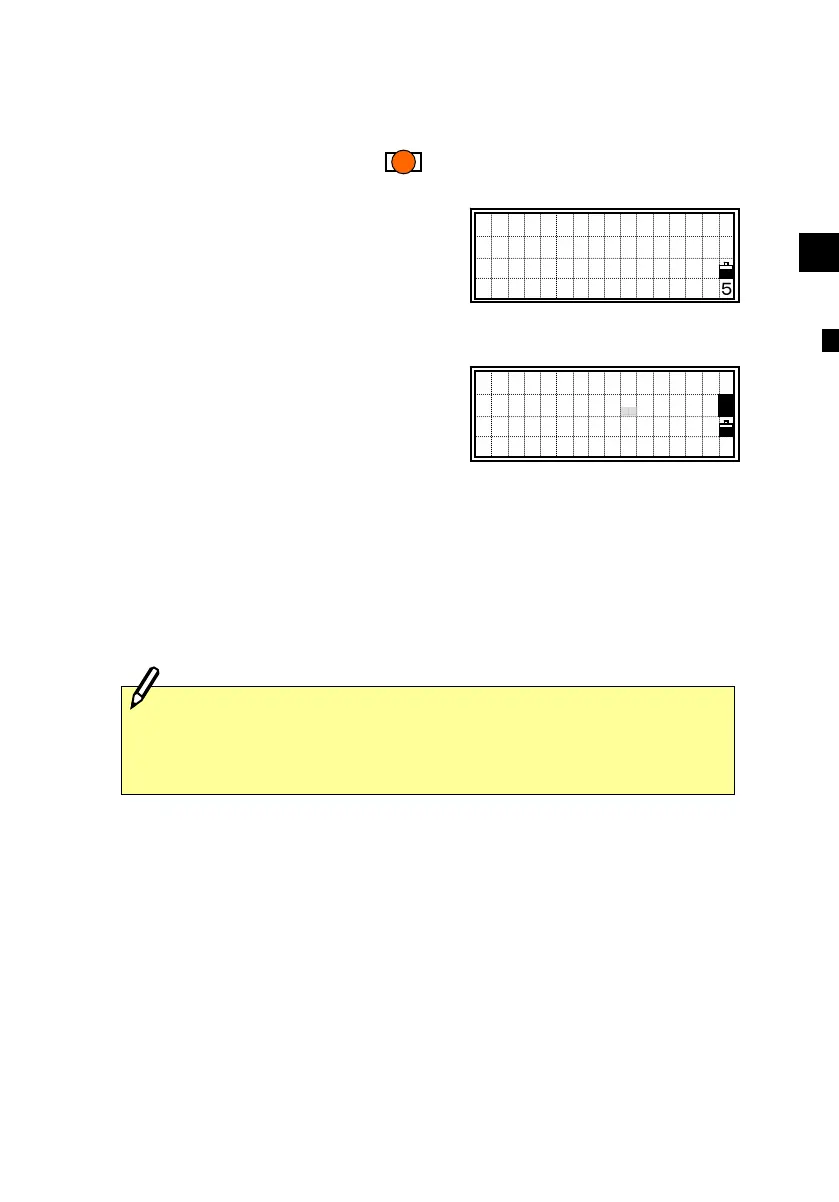
Press the [PWR] key to turn on the
instrument. The start-up screen shown
right appears.
The current Temperature and Pressure are
displayed.
The displayed value can be modified on
the spot after pressing the [ENT] key.
Use the up/down arrow keys to select the
desired item.
Tilt the telescope past the horizontal
position in the face-left position.
It will automatically resume the last job
and return to the screen where the
instrument was previously powered off.
If you choose the [Rst] option when turning off the instrument, it
restarts the software from the Basic
Measurement Screen
(BMS) without having any JOB opened.
TILT TELESCOPE
Temp 20°C
Press 1013hPa
2000-07-17 11:35
PWR
TILT TELESCOPE
Temp 20°C
Press 1013hPa
2000-07-17 11:35
1












 To Next Page