3-119
3
MENU/5: Comms
5-3) Upload List file
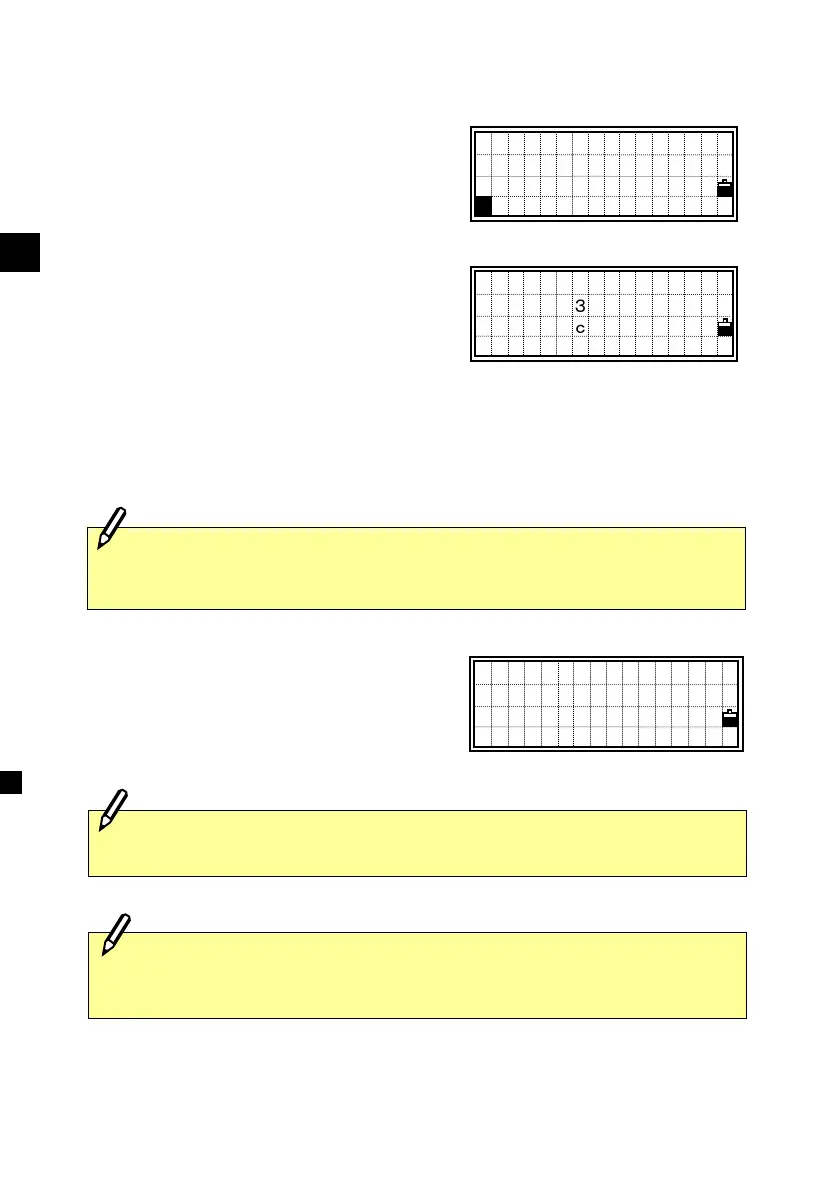
Press the [3] key to upload a Code List file
via cable.
Connect the instrument and your
computer by RS-232C cable. Start the
communication program on your
computer to send coordinate data (usually
SEND TEXT file).
Press the [4] or [ENT] key on the
instrument to start uploading a Code List
file.
While each item in the List is uploaded,
the “Code” number is updated as it is
stored to the instrument.
Maximum 254 codes can be uploaded.
When you upload a Code List, it always replaces the one which is
already on the instrument.
The system will truncate the code if it is longer than 12 characters.
When the memory becomes full during uploading data, it shows an
error message and aborts the process. (See p.8-1)
Please connect
RS232C cable
Replace List ?
No Yes
- RECEIVING -
Code:1
Communication
1:Download
2:Upload Data
3:Upload List
3












 To Next Page