3-8
3
How to Input a Code
How to input a Code
Basically, CD: field is defaulted to the code previously used.
You can change it on the recording point screen.
1) Manual Input
Press the [Mode] key to change the input
mode into alpha-numeric (A) or numeric
(1) mode.
2) Stack Input
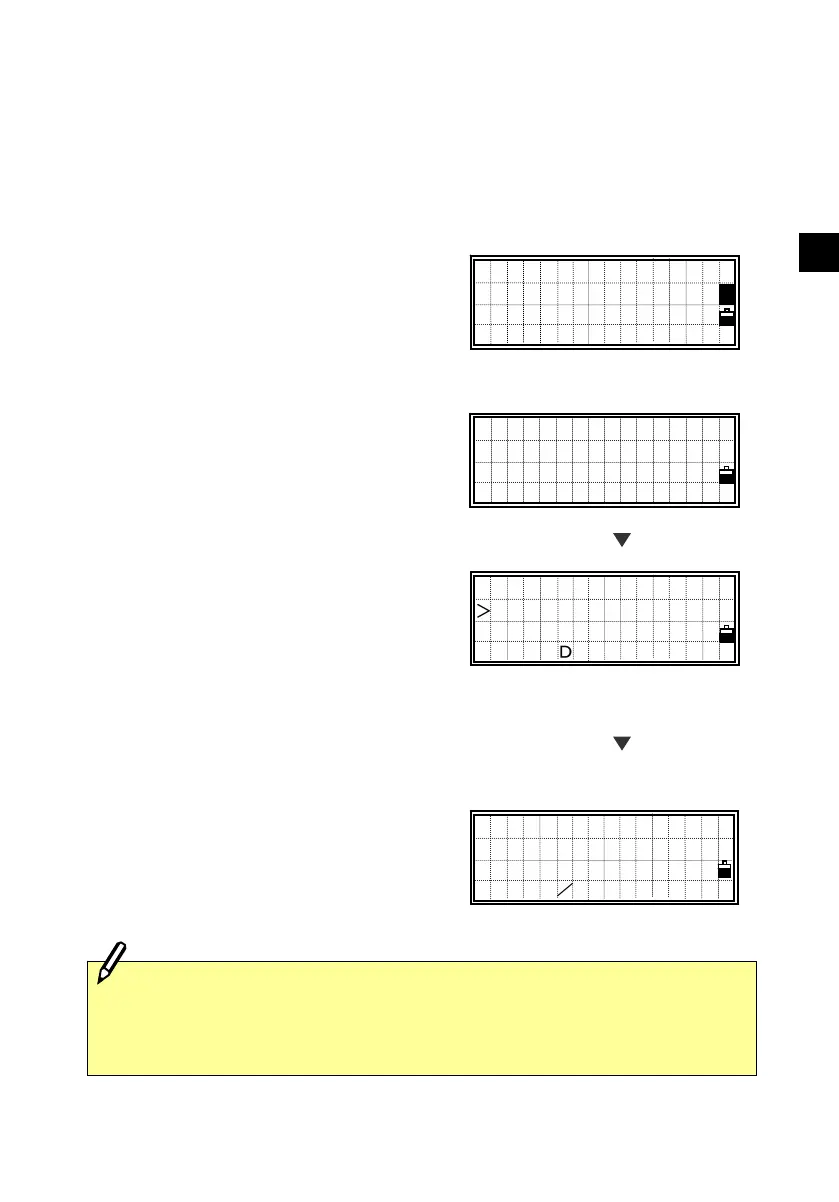
Press the [Stk] key to display a list of
Code stack. The stack may contain up to
20 codes.
To select the previously used code, press
the [Stk], then use the down arrow key to
move the cursor downwards through the
stack list.
The up arrow key moves up through the
stack. Press the [ESC] key to get out of
the Stack List without choosing any
codes.
Press the [ENT] key to input the code into
the CD field.
CURB
TRAIL
HEDGE
BUILDING
PT:10006
HT: 1.5000m
CD:BUILDING
Lst O/S Qcd Stk
・Each code can be input up to 12 characters.
・When you re-boot the program, Stack area will be cleared.
[Stk]
PT:10006
HT: 1.5000m
CD:CURB87
■
PT:10006
HT: 1.5000m
CD:CURB
Lst O/S Qcd Stk












 To Next Page