3-30
3
ANG
3-4 Applications
HA Reset and Measurements
Press the [ANG] key to display the angle
menu screen. Select the desired item
pressing the numeric key.
1)0-Set
Setting the horizontal angle to 0
Press the [1] key to reset the horizontal
angle to 0. The display returns to the
basic measurement screen after resetting
the horizontal angle.
2)Input
Inputting the horizontal angle
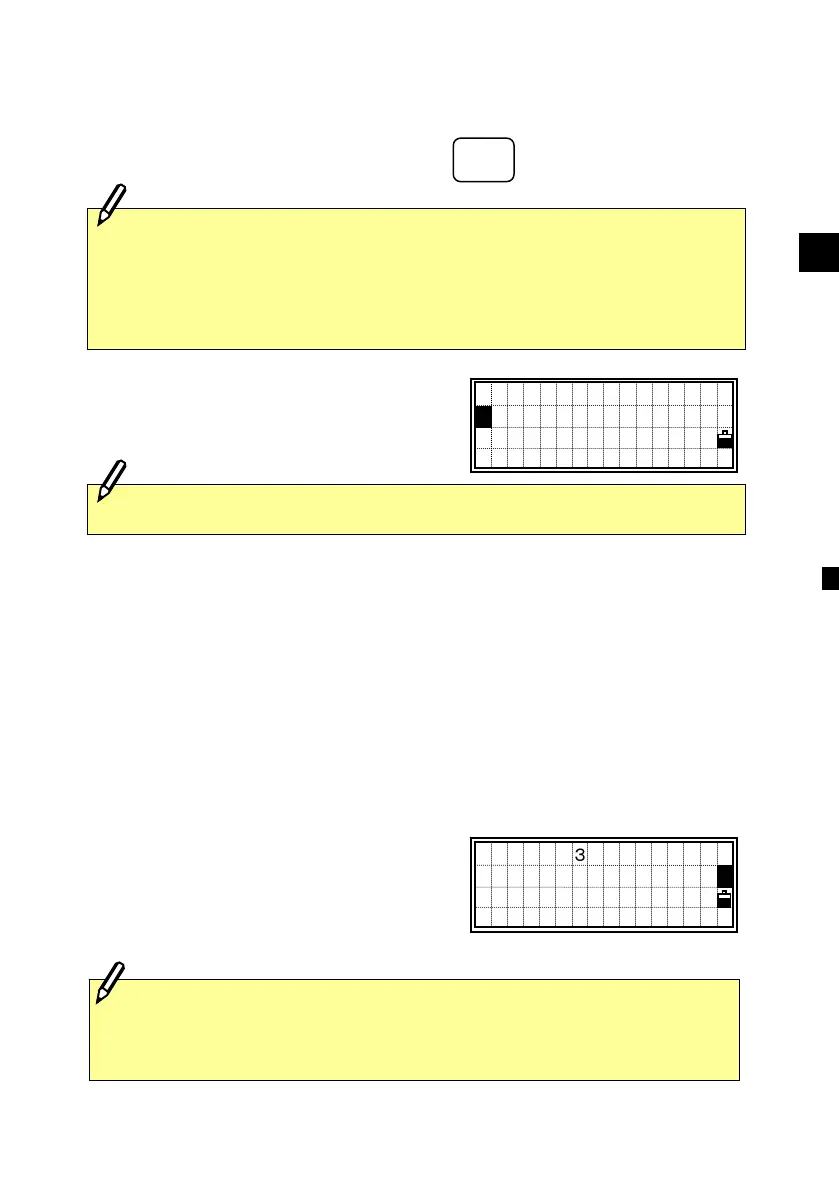
Press the [2] key, and the numeric input
screen is displayed.
Input the horizontal angle using numeric
keys and press the [ENT] key.
Ex.) To enter 123º45’50”, key input should be 123.4550.
・The displayed value is rounded to the minimum increment of angle.
Perform face-left and face-right measurements to obtain maximum
accuracy for measuring angles. (Refer to p.2-15) By doing so,
mechanical constant error (except in some special cases such as the
vertical axis error) can be effectively cancelled out.
HA:123.45
■
ANG
HA:120 °15’50”
1:0-Set 4:F1/F2
2:Input 5:Rept.
3:Hold
1
・ F1/F2 is not supported in DTM-330.
ANG
4 ○
J
K
L












 To Next Page