3-108
3
MENU/4: Data
4-5) Input Coordinate
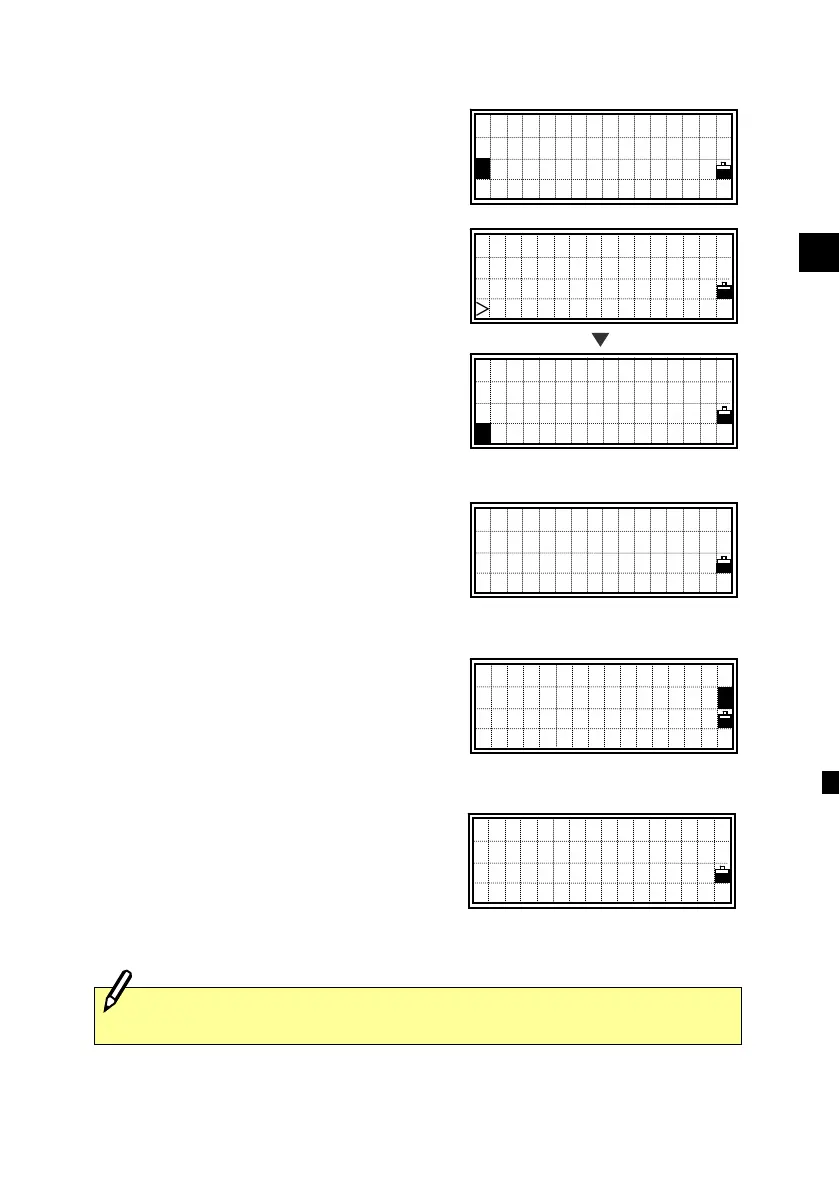
Select [2:XYZ data] before you enter
“Add coordinate” function.
Press [MENU] on the XYZ data screen to
display the sub-function for XYZ data.
Press the [4] or the Down arrow and
[ENT] keys to show the input point screen
next.
The PT is defaulted to the “Last recorded
PT + 1”. You can change it here too.
After you input PT and CD correctly,
press [ENT] to input coordinates.
Input the coordinate using the numeric
keys. Press the [ENT] or Down arrow key
to accept each line.
The point will be stored as a MP record
when you press [ENT] in the Z field.
After recording the point, it returns to the
PT/CD input screen with the updated
default PT.
-REC XYZ-
Job:AMS-B67
Input Point
PT:100502
CD:TREE
Lst Stk
UP,536,
UP,537 ,CURB
MP,1,
MP,2,STN ↓
[MENU]
NE, NEZ, or Z only data can be recorded to the database.
PT:100502
X:
■
Y:
Z:
View/Edit
1:RAW data
2:XYZ data
3:Code List
2
1 DEL
2 Edit
3 Search
4 Input
4












 To Next Page