3-107
3
MENU/4: Data
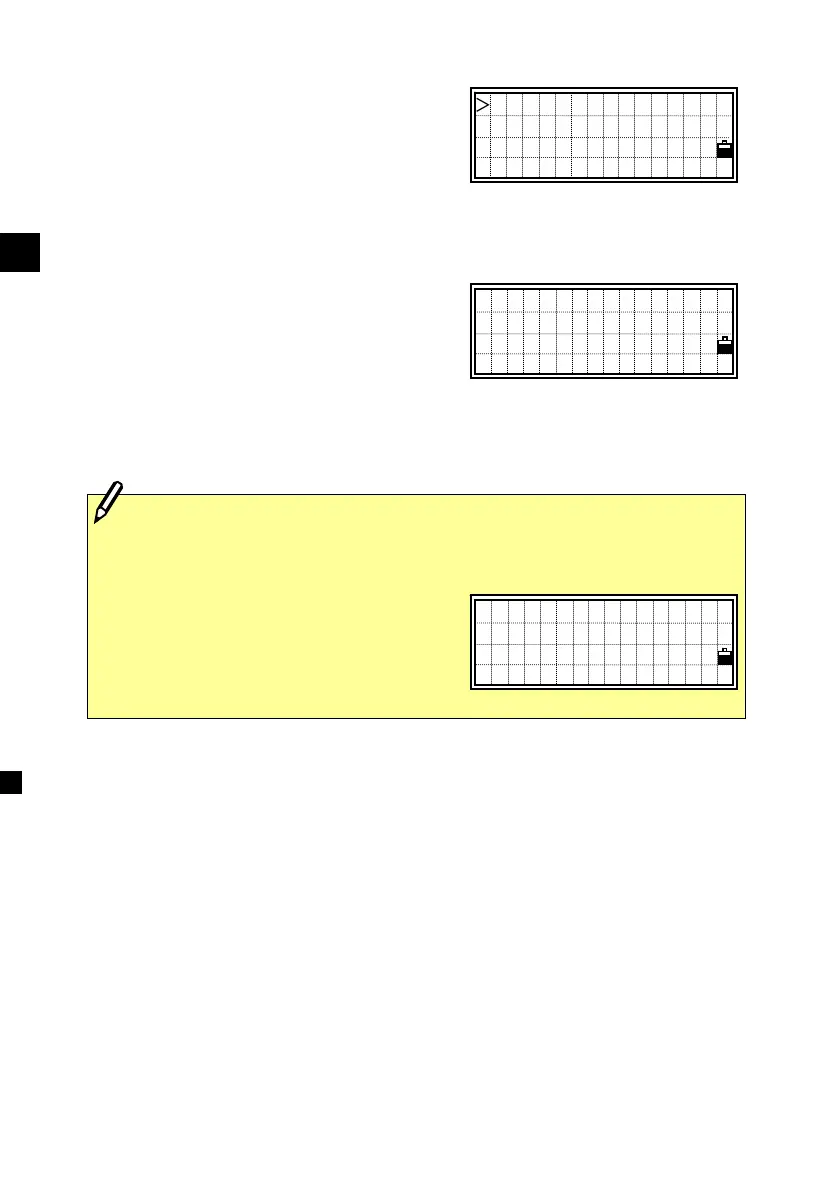
When several points are available for the
condition which you input, those points
are shown in a list.
Select a point from the list using the
Up/Down arrow keys and press [ENT].
A detailed data screen for the selected
record is displayed. Press the [ESC] key
to return to the list screen.
On this screen, the [DSP] key is also
available to change the contents. (See
p.3-96)
MP,47 ,TREE
MP,51 ,TREE
PT:47
X: 1005.2380
Y: 2064.5104
Z: 85.6829
・A search is successful if the record matches either of PT or CD, when
the Type is satisfied.
・When there is no point matches to
the specified conditions, an error
screen is displayed. Press any key to
return to the Data View screen.
!PT Not Found
Press any key












 To Next Page