3-25
3
HOT
HOT key
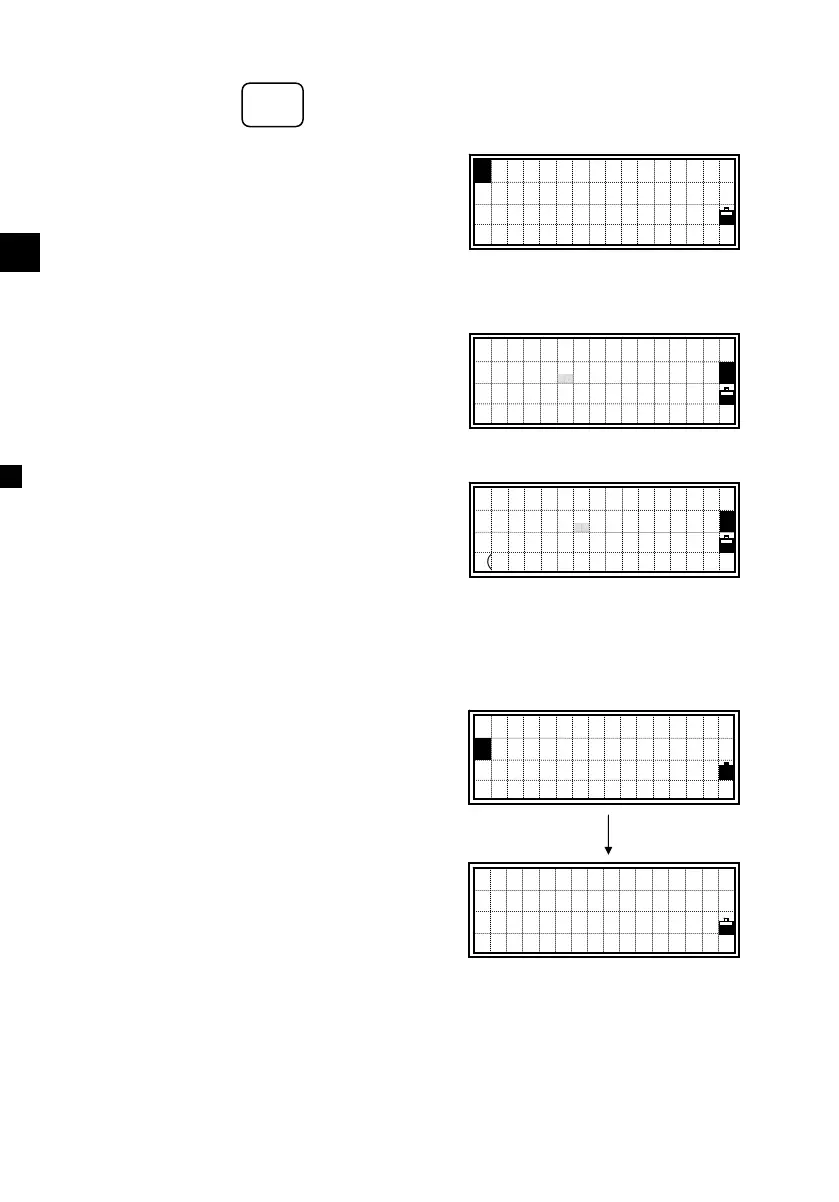
The [HOT] key is available from any
observation screen. It shows the screen
on the right.
Press the [ESC] key to return to the
previous screen.
1) Height of Target
You can define the height of target by
pressing the [HOT] and [1] keys.
2) Temperature & Pressure
Set the current temperature and pressure
using this command. Press the [HOT] and
[2] keys from the BMS or other
observation screens and type the ambient
temperature and pressure.
3) MSR/TRK Key Settings
Press the [HOT] and [3] keys to show the
[MSR] or [TRK] key settings.
(Same screen displayed by holding down
[MSR]/[TRK] for one second; See p.3-19)
Move the cursor by the up/down arrow
keys and use the right/left arrow keys to
change the setting.
Target = Prism/Sheet
Prism constant (Const) = –999~999mm
Mode = Prec/Normal
AVE = 0(Continuous) ~ 99
:HT 5:Qedit
2:T-P 6:Qmode
3:Meas.
4:Level
1
Input T-P
Temp: 22 °C
Press:1013 hPa
m=0.4
1
Input HT
HT: 1.3560 m
1
Measure mode
1:MSR Key
2:TRK Key
[1]/ [2]
>Target :Prism
Const : 30 mm
Mode :Prec
AVE :1
HOT
5 ○
M
N
O












 To Next Page