3-101
3
MENU/4: Data
4-3) Edit Record
You can edit records by their point number/name and code. Also the height
of target (HT), height of the instrument (HI), backsight point (BS), and
backsight azimuth (Az) can be modified.
4-3-1) Edit RAW record
Select [1:RAW data].
Place the cursor
using the Up/Down
arrow keys to the record you are going
to edit, then press [MENU].
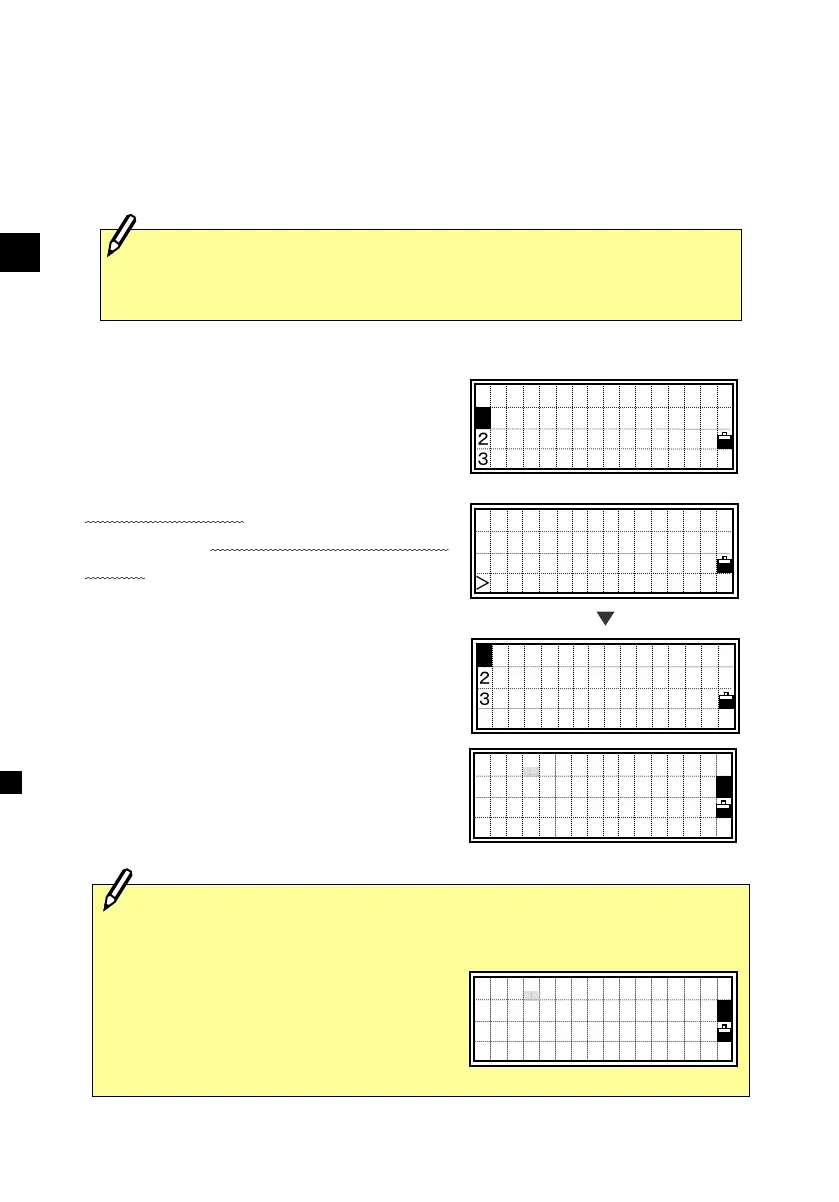
The sub-function menu for RAW data is
displayed. Press the [2] key for “Edit”.
Move the cursor using the Up/Down
arrow keys and modify the necessary
fields.
ST,100,
F1,,1.5060
SS,2001,FENCE
SS,124,MANHOLE↓
・There is no edit CD field for SO/F1/F2 records.
・HA/VA/SD cannot be changed.
・All items in the ST record can be
edited but no recalculation will be
performed on the instrument.
[MENU]
View/Edit
1:RAW data
2:XYZ data
3:Code List
DEL
2 Edit
3 Search
ST:100
HI: 1.6500m
BS:
AZ: 45°00’00 ”0
1
<Edit screen for ST record>
PT:124
HT: 1.6500m
CD:MANHOLE
1
The Z-coordinate of SS/CP will be recalculated and updated when its
HT is changed.












 To Next Page