3-102
3
MENU/4: Data
When you press the [ENT] key on the last
line of the edit screen, it shows a
confirmation screen.
Press the [4] or [ENT] key to accept the
modification and return to the Data View
screen. Press the [1] or [ESC] key to go
back to the edit screen.
4-3-2) Edit Coordinate record
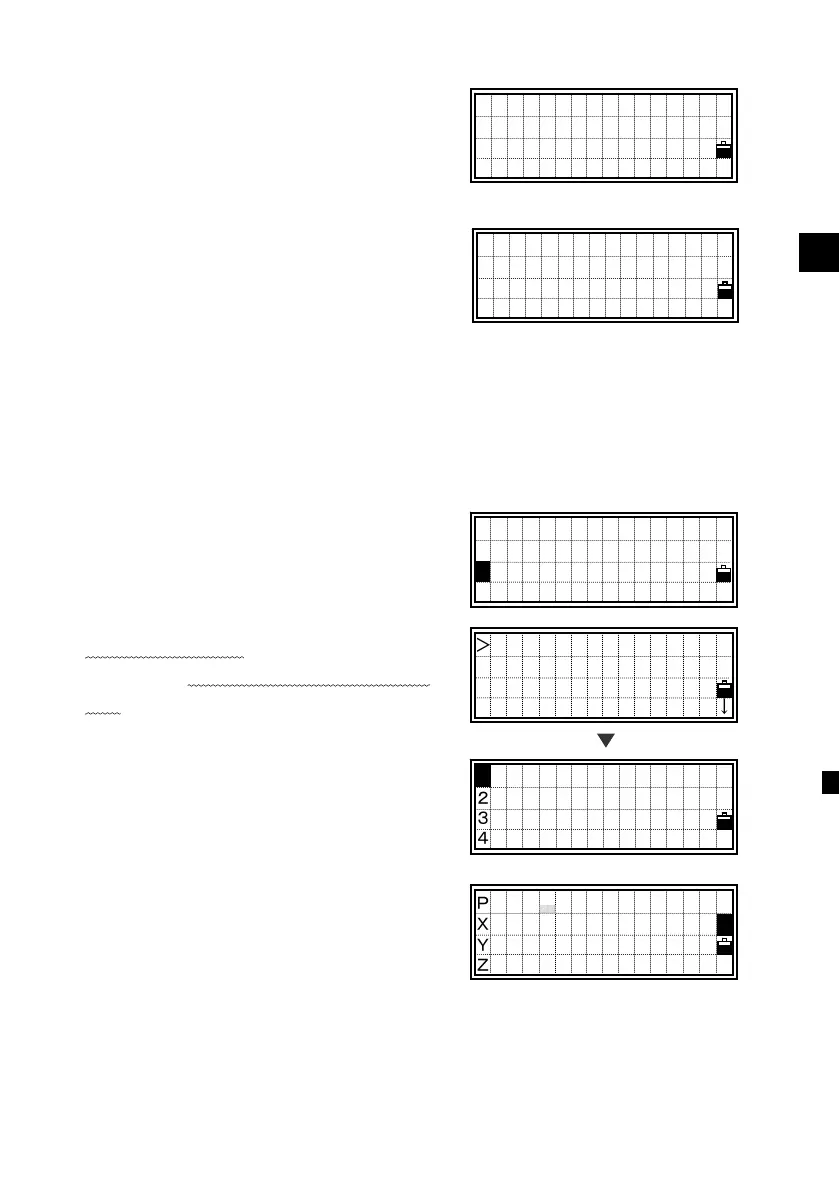
Select [2:XYZ data] to get into the
coordinate list screen.
Place the cursor
using the Up/Down
arrow keys to the record you want to
edit, then press [MENU].
The sub-function menu for XYZ data is
displayed. Press the [2] for “Edit”.
Move the cursor using the Up/Down
arrow keys and modify the necessary
fields. You can edit PT and coordinate.
Save Changes?
PT:124
CD:MANHOLE1
No Yes
- Update RAW -
UP,502
UP,503
UP,504 ,CE
UP,505 ↓
[MENU]
View/Edit
1:RAW data
2:XYZ data
3:Code List
2
DEL
2 Edit
3 Search
4 Input
PT: 502
X: 365.1350
Y: -1254 .3201
Z:












 To Next Page