3-6
3
Input Point Name/Numbe
2) Inputting a new PT
When you input a new point name/
number, it shows a coordinate input
screen right. You can input a 2D
“NE(EN)”, 3D “NEZ(ENZ)”, or elevation
only “Z” coordinate.
Press the [ENT] key on the last line
(Z:field) to store the point in the current
Job.
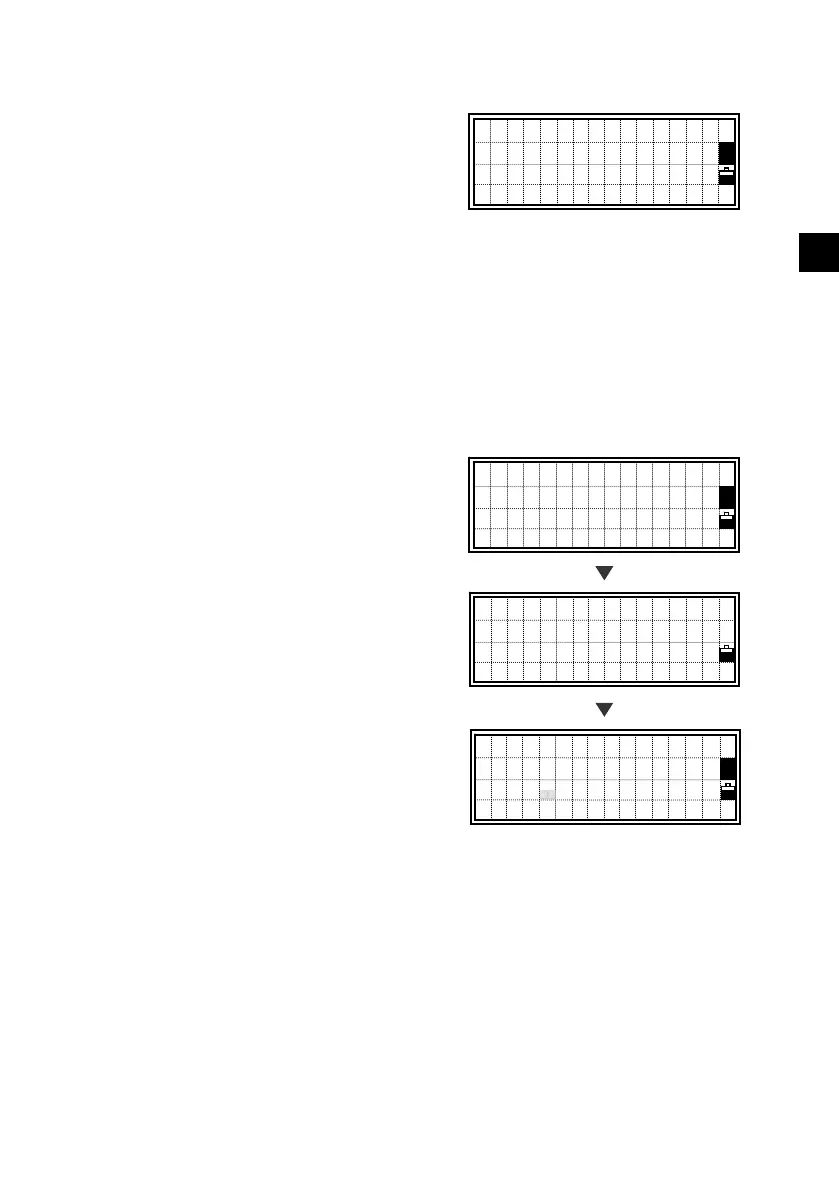
3) Inputting a known PT
When a known point name/number is
input, its searched coordinate is displayed
briefly and a beep is sounded before
proceeding to the next step.
PT:55
X:-154.231
■
Y:
Z:
PT:55
X: -52.2310
Y: 2844.3605
Z: 135.3252
Input 1st Point
PT:55
■
HT: 1.5000m
CD:
[ENT]
beep
Input 1st Point
PT:55
HT: 1.5000 m
CD:CP1












 To Next Page