3-100
3
MENU/4: Data
4-2-2) Delete Coordinate data
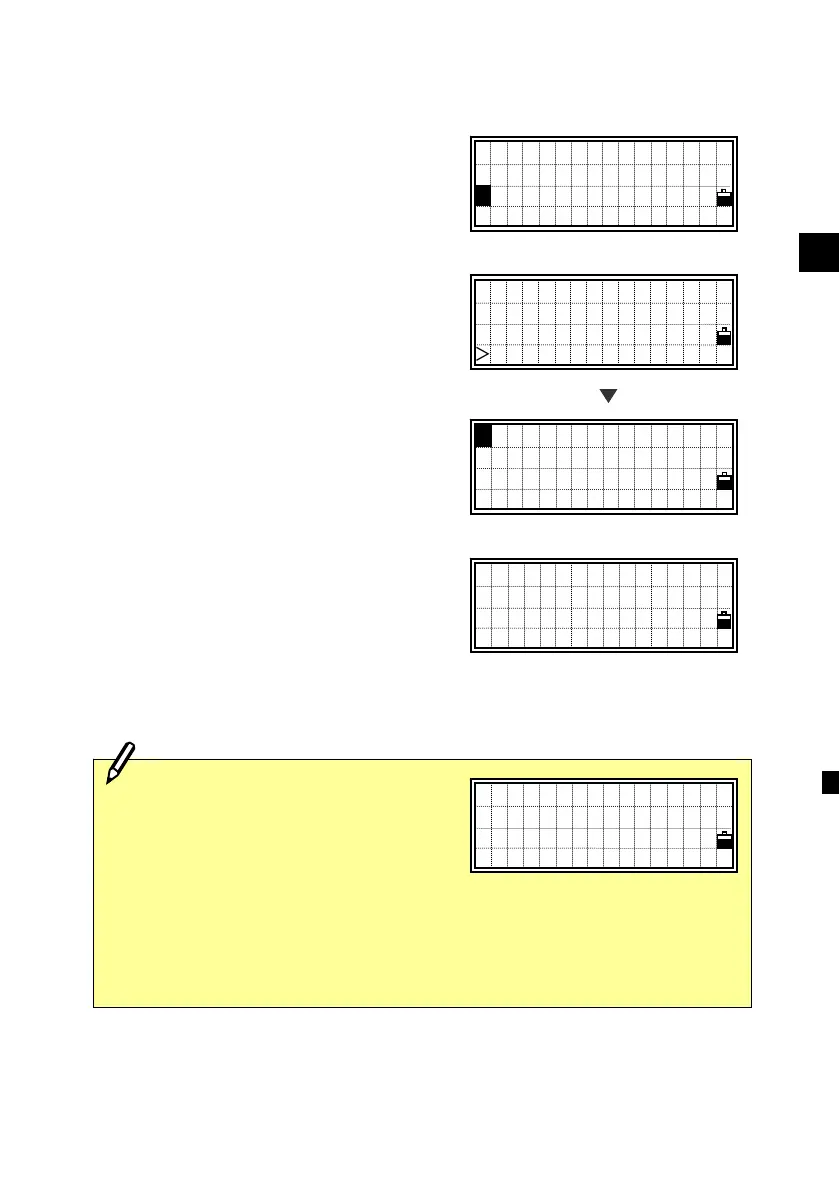
Select [2:XYZ data].
Place the cursor using the Up/Down
arrow keys to the record you want to
delete, then press [MENU].
The sub-function menu for XYZ data is
displayed. Press the [1] or [ENT] key for
“Delete”.
A confirmation screen is displayed. Press
the [ENT] or [4] key to delete the
specified record.
Press the [ESC] or [1] key to cancel
deleting data.
Delete XYZ?
MP:2
No Yes
UP,536,
UP,537,CURB
MP,1,
MP,2,STN ↓
[MENU]
・Deleting coordinate data can also be
activated from any detail data screen
shown in right. Press the [MENU]
key to display the sub-function
menu.
・Coordinates points used as Stations or Backsights cannot be deleted.
(See p.8-7)
PT:5143
X: 2615.4629
Y: 1705.1008
Z: 66.3814
View/Edit
1:RAW data
2:XYZ data
3:Code List
2
DEL
2 Edit
3 Search
4 Input












 To Next Page