3-66
3
REC/Qcode
Assign a Code for Qcode
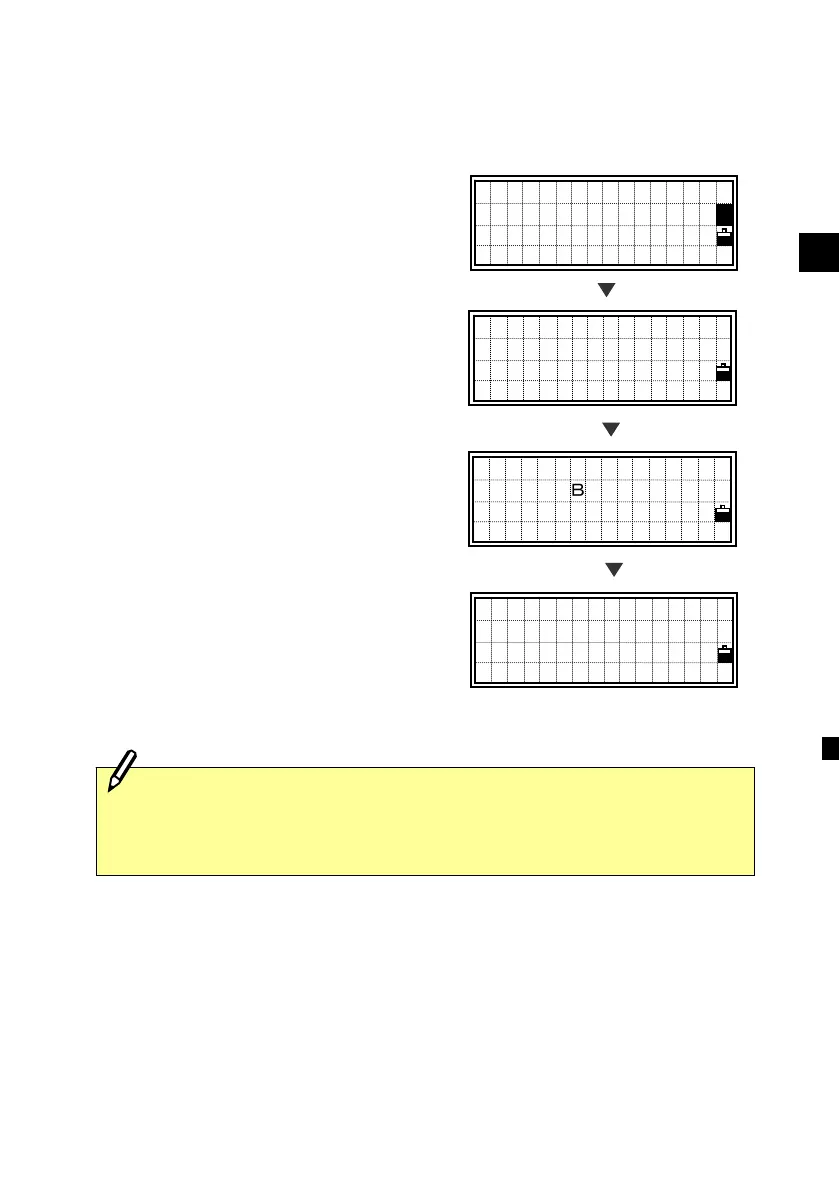
To assign a new code to one of the
numeric softkeys, press [3:Qcd] on the
recording point screen after you edit the
code.
Press the numeric key you want to assign
the current code to.
The current feature code is assigned to the
selected numeric key. It returns to the
record point screen. You can press [ENT]
to record this point as well.
PT:10053-A10
HT: 1.247 m
CD:CURB
■
A
PT:10053-A10
HT: 1.247 m
CD:CURB
Lst O/S Qcd Stk
[Mode]
[Qcd]
[6]
Assigning codes to numeric keys for Qcode mode can also be done
through the HOT/5:Qedit function. The Qedit function is also
convenient for checking the currently assigned codes. (See p.3-26)
ASSIGN Qcode
CD:CURB
Which key(0ー9)?
ESC to abort
PT:10053-A10
HT: 1.247 m
CD:CURB
Lst O/S Qcd Stk












 To Next Page