3-110
3
MENU/4: Data
4-6-1) Delete Code/Layer
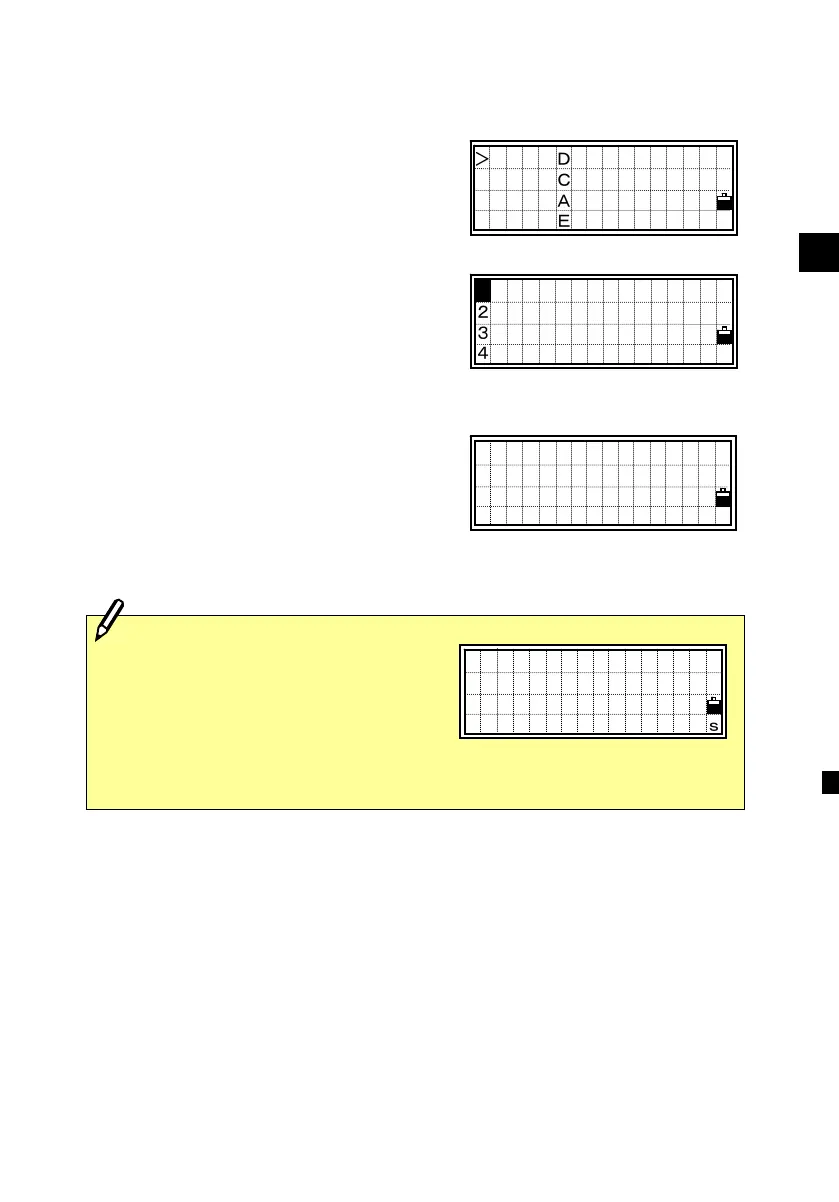
Place the cursor using the Up/Down
arrow keys to the code (or layer) you want
to delete, then press [MENU].
The sub-function menu for Code List is
displayed. Press the [1] or [ENT] key to
enter the “Delete Code/Layer” function.
A confirmation screen is displayed. Press
the [ENT] or [4] key to delete the
specified code.
Press the [ESC] or [1] key to cancel
deleting the code.
DELETE CODE
BUILDING
Are you sure?
No Yes
You can delete a whole layer by
selecting [1:DEL] on the sub-function
menu when you place the cursor on a
layer name. All codes and layers
underneath the specified layer will be
deleted.
DELETE LAYER
SURFACE
Are you sure?
No Yes
1:DEL
2:Edit
3:Add Code
4:Add Layer
1
BUILDING
STRUCTURE
SURFACE→
SURVEY→ ↓












 To Next Page