3-117
3
MENU/5: Comms
================== Advanced Functionalities ==================
Edit data order for Upload
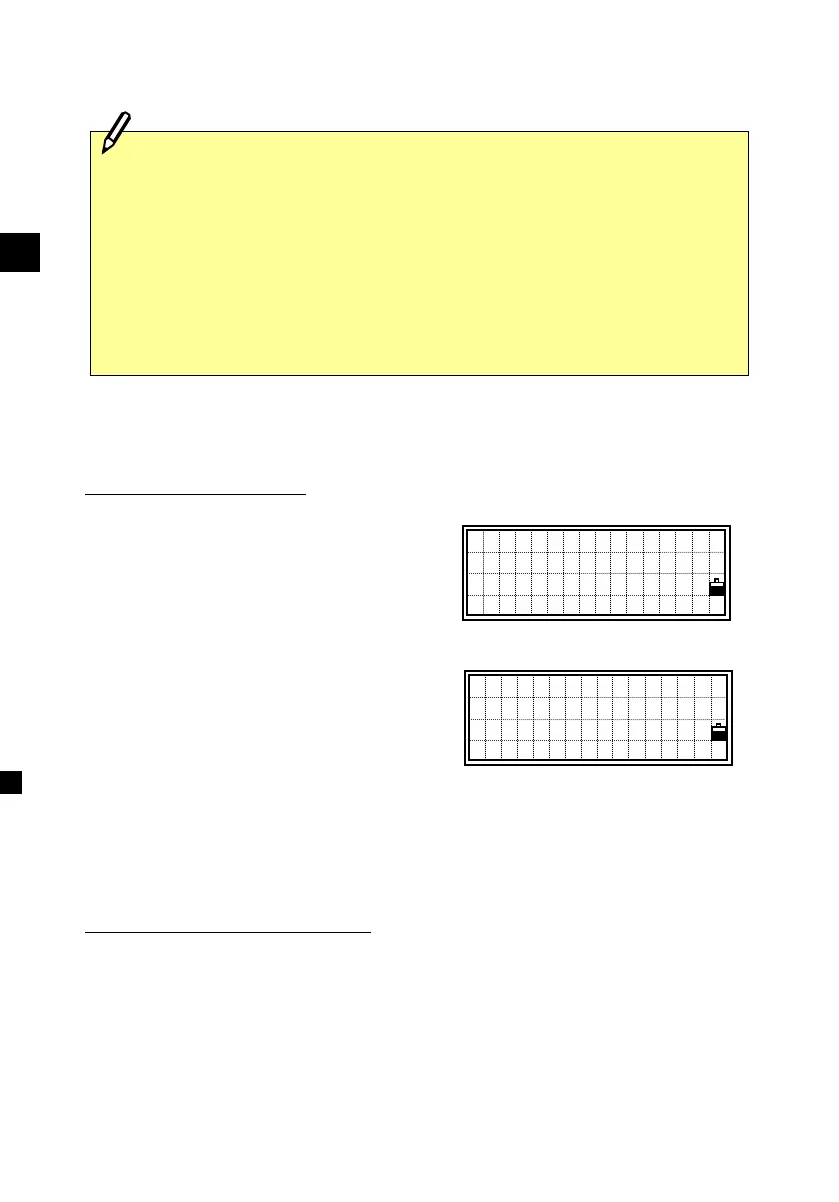
A user-definable upload format screen.
By pressing the left/right arrow keys, the
item toggles among PT, N, E, Z, CD and
blank.
Formats that include more than two PT or
N/E/Z cannot be accepted.
If you would like to skip some items in
your original file, you can set “blank” in
the field you are to ignore.
Ex.) Your data (original) : 1, UB, 30.000, 20.000, L1
Defined format : PT/ /N/E/CD
Uploading data to a job : PT=1, N=30.000, E=20.000, CD=L1
Uploading coordinates without PT
When you don’t include PT in your format definition, the available PT
number (1 or the largest PT number in the job) will automatically be
given to each line of data. In this case, keeping some identifier in CD is
recommendable for your efficient fieldwork.
===========================================================
・When you press the [ESC] key during uploading data, it aborts the
process and returns to the MENU screen. Records already processed
before the [ESC] key are remaining in the job.
・The system will truncate the code if it is longer than 12 characters.
・When the data recording area becomes full during uploading data, it
shows an error message and aborts the process. (See p.8-1)
Fld1:<PT>
Fld2:N
Fld3:E
Fld4:Z ↓
Fld5:
Fld6:
Fld7:<CD>












 To Next Page