3-20
3
DSP
Switching between Screens
1) Changing display
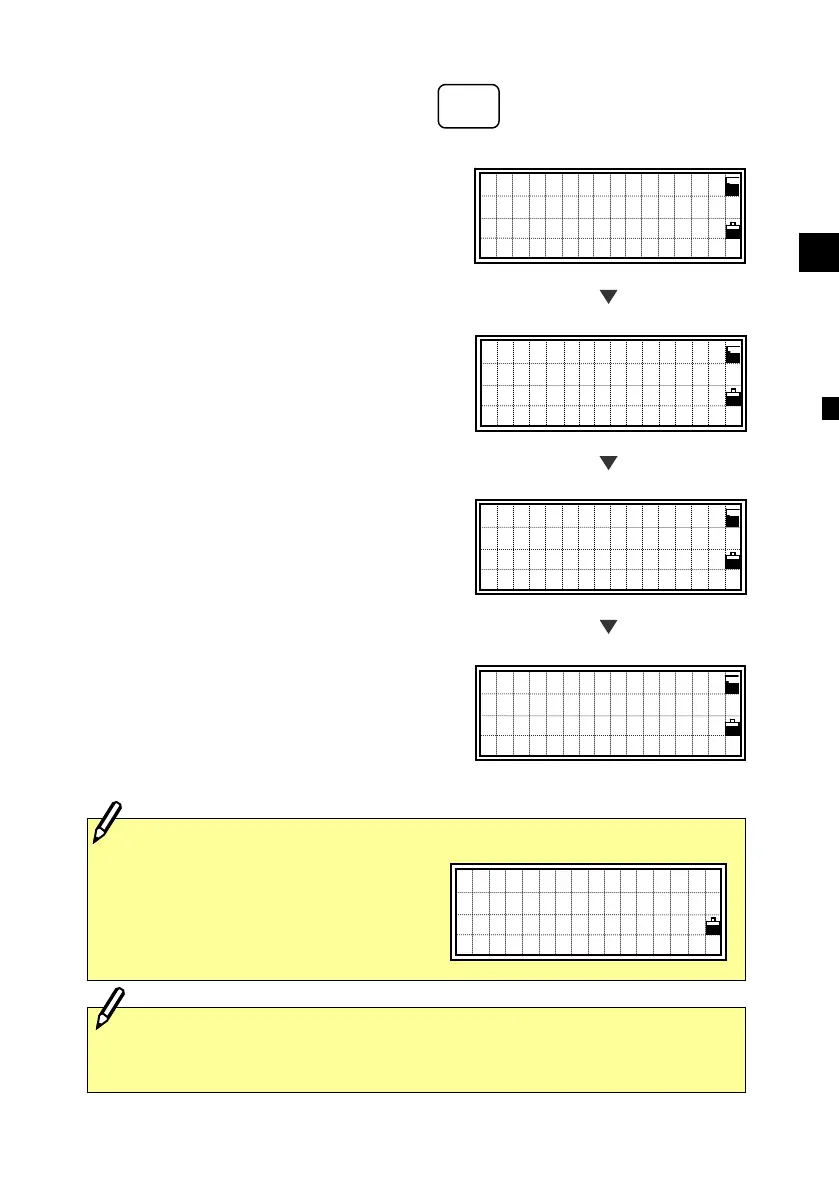
Press the [DSP] key to change the
contents of the screen on the Basic
Measurement Screen (BMS).
Upon each press of the [DSP] key, the
screen scrolls among DSP1/4 to 4/4.
Change of the screen can be done before,
during or after a measurement.
On the BMS, pressing the [REC] key
from any of these screens will store a SS
record.
Depending on the “Store data” setting, it
will record RAW data (HA,VA,SD),
coordinate data (X,Y,Z) or Both. (See
p.3-93)
Screens can be changed using the DSP key in the BMS, RDM,
Stakeout, and Data View functions.
When the Secondary Unit is set to
any distance unit, it shows HD/ VD/
SD in the specified unit as the fifth
screen. (See p.3-93 for Secondary
Unit setting)
<for “Ft-inch”>
H: 700’07”1/4
V: -6’02” 0
S: 999’11”15/
DSP5/5
2/4 screen
HA: 90°15’50”
VD: 15.635 m
HD: 266.347 m
DSP2/4
3/4 screen
HL:269°44’10”
V%: 15.28 %
HD: 266.347 m
DSP3/4
4/4 screen
X: -4435.256
Y: 288.953
Z: 15.325
DSP4/4
1/4 screen
HA: 90°15’50”
VA:123°45’50”
SD: 284.563 m
DSP1/4
DSP
2 ○
D
E
F












 To Next Page