3-32
3
ANG
5)Rept.
Recording a foresight point after repeat angle measurement
Press the [4] key to display “0” as a
horizontal angle and activate repeat angle
measurement mode.
Press the [ENT] key to accumulate the
horizontal angle, and press the [ENT] key
again to hold the current horizontal angle.
To cancel repeat angle measurement
mode, press the [ESC] key.
Press the [REC] key to average the
horizontal angle. The horizontal angle
display is fixed until the process is
finished or cancelled.
HRx = HRΣ ÷ N
HA = BSAz + HRx (normalized)
By pressing the [MSR] or [TRK] key, the
VA and SDx are displayed after the
measurement to the foresight point.
HRx will not be updated even if the
instrument is moved.
Press the [REC] or [ENT] key again, and
the default point number and code for the
foresight point are displayed. Press the
[ENT] key to record.
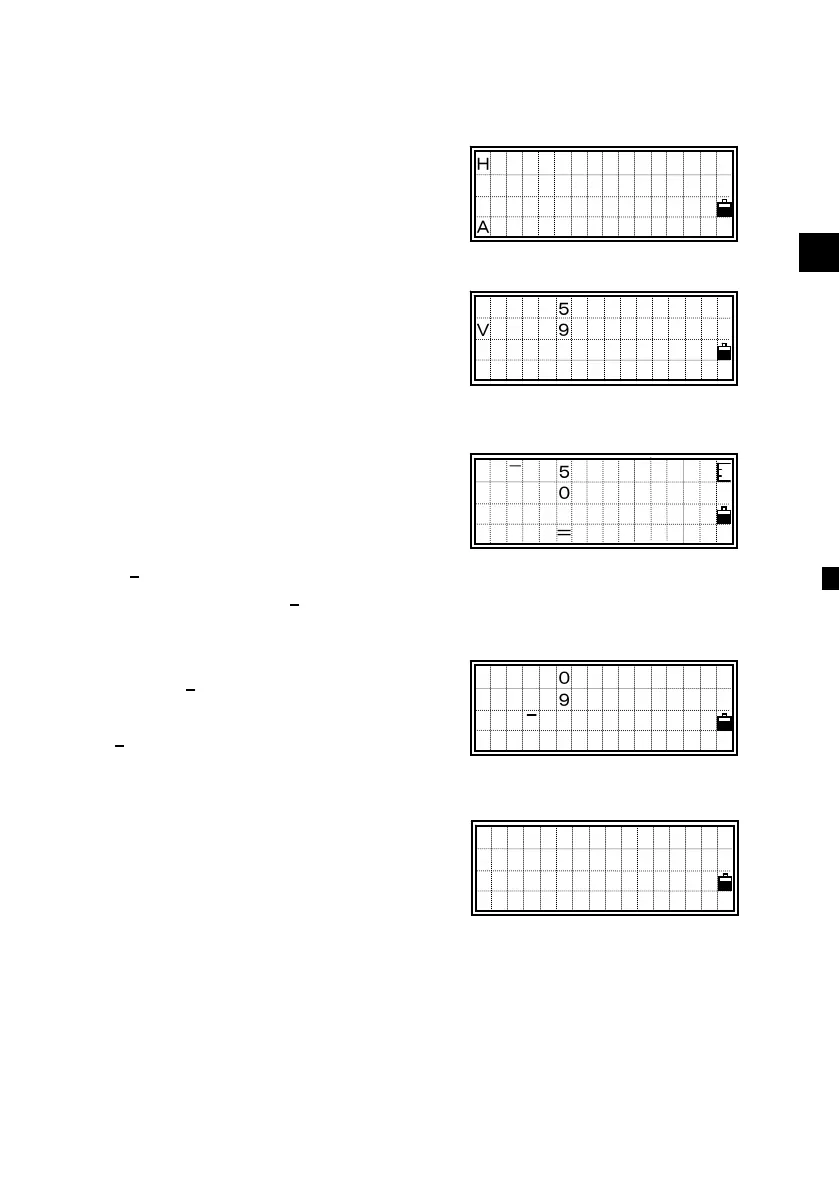
HRΣ 0°00’00”
- HR Hold -
ANG N= 0
HRΣ 250°00’50”
A: 91°24’50”
ANG N=05
PT:18
HT: 1.600 m
CD:EDGE1
Lst Stk
HRx 50°00’10”
HA: 300°01’00”
Press MSRorTRK
ANG N=05
HA:300°01’00”
VA: 91°24’50”
SDx 33.860 m
ANG












 To Next Page