3-45
3
STN
Input the height of instrument and press
the [ENT] key.
“ST” is defaulted to the “Last recorded PT
+ 1”. You can change it if necessary.
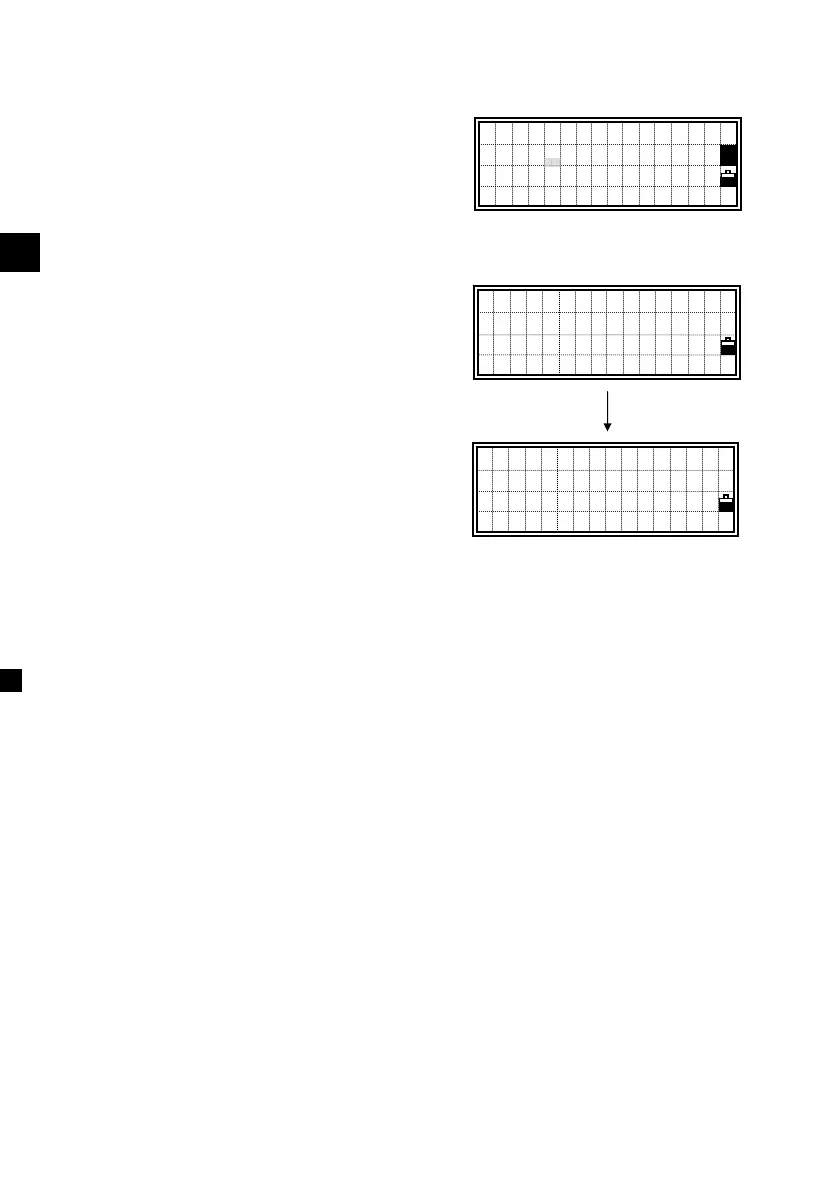
After inputting the ST, HI and CD for
station record, you will be selecting the
Back- sight. Choose the BS by up/down
arrow key and press [ENT] to complete
the Station setup.
Select BS PT
>55,CP1
23,POLE
18E, ↓
ST:250
HI: 0.0000 m
CD:
1
[ENT]
- REC STN -
Job:PROJ5963












 To Next Page