3-50
3
S-O
Rotate the instrument until the dHA
becomes close to 0º00’00”.
Sight the target and press the [MSR] or
[TRK] key.
When the measurement is completed, the
errors between the target position and the
stake-out point are displayed.
dHA: Difference in Horizontal angle to the target point
R/L: Right/Left (Lateral error)
IN/OUT: In/Out (Longitudinal error)
Once a measurement is taken, the Cut/Fill
value and Z-coordinate will be updated as
the VA is changed.
dHA→ 0°00’05”
R ← 0.001 m
OUT↑ 0.002 m
S-O1/8
When the [ENT] key is pressed without HA input, the current HA is
input automatically.
dHA→ 35°12’30”
HD: 25.356 m
Press MSRorTRK
S-O
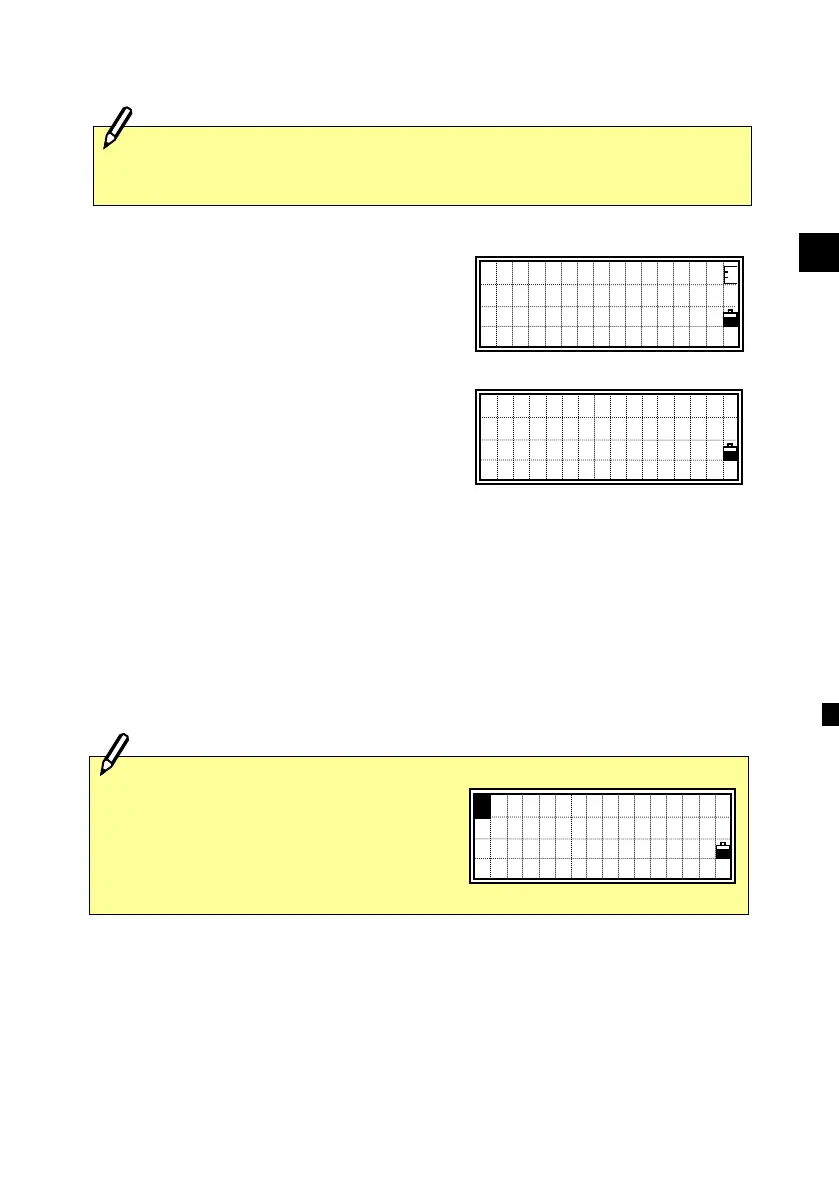
When the [HOT] key is pressed on
any of the shooting point displays, it
shows the setting screen.
You can change the HT, T-P or Prism
constant at any time.
:HT 5:Qedit
2:T-P 6:Qmode
3:Meas.
4:Level
1












 To Next Page