3-60
3
S-O
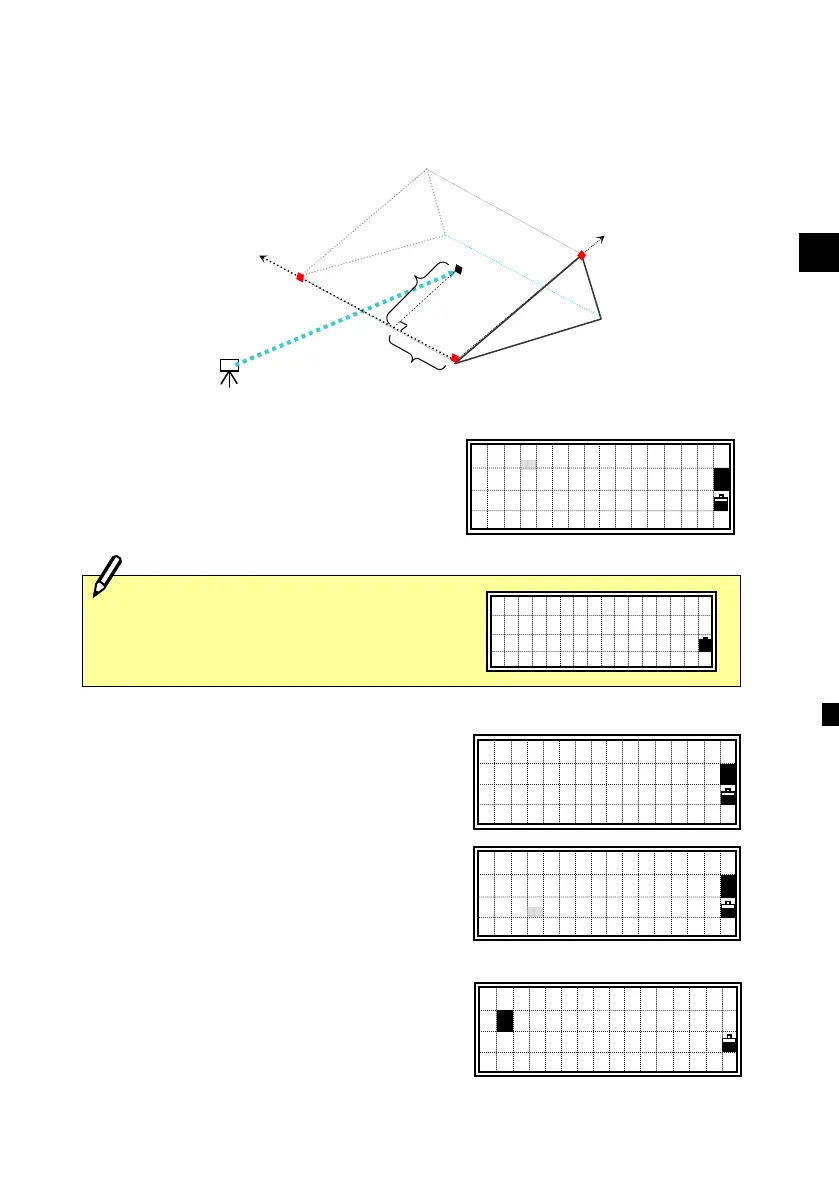
5: 3-Pt Reference Plane (S-Pln)
Measuring distance and offset values on the slope
Press the [5] key on the Stakeout menu
screen to start 3-Pt Reference Plane.
Input three points to define the slope.
When the [ENT] key is pressed on a blank
P1 or P2 field, you can input coordinate
without recording it to the database.
Such a temporary input coordinate is
displayed as <keyed XYZ> instead of
point name.
When the [ENT] key is pressed on a blank
P3 field, a confirmation screen left is
shown.
P1:30123-A48
P2:<keyed XYZ>
P3:
1
P1:
P2:
P3:
1
Inputting point by measurement is also
available. Press the [Mode] key to get
the observation screens.
Sight 1st Point
Press MSRorTRK
X: 30205.667
Y: 1289.340
Z: 591.206
■
1
Stn
P1
(X
1
,Y
1
,Z
1
)
a
P2
(X
2
,Y
2
,Z
2
)
b
Tar get
(X,Y,Z)
P3
(X
3
,Y
3
,Z
3
)
Finish input?
1:Done(V-Pln)
2:Key in P3
1












 To Next Page