Chapter 7. Performing Measurements
121
7.3.3.3. Adjusting Scanning Parameters
Settings of scanning parameters for the EFM Mode differ from those described for the
SemiContact Mode only by the scanning mode and by scanning parameters for the second
pass. All other settings remain the same.
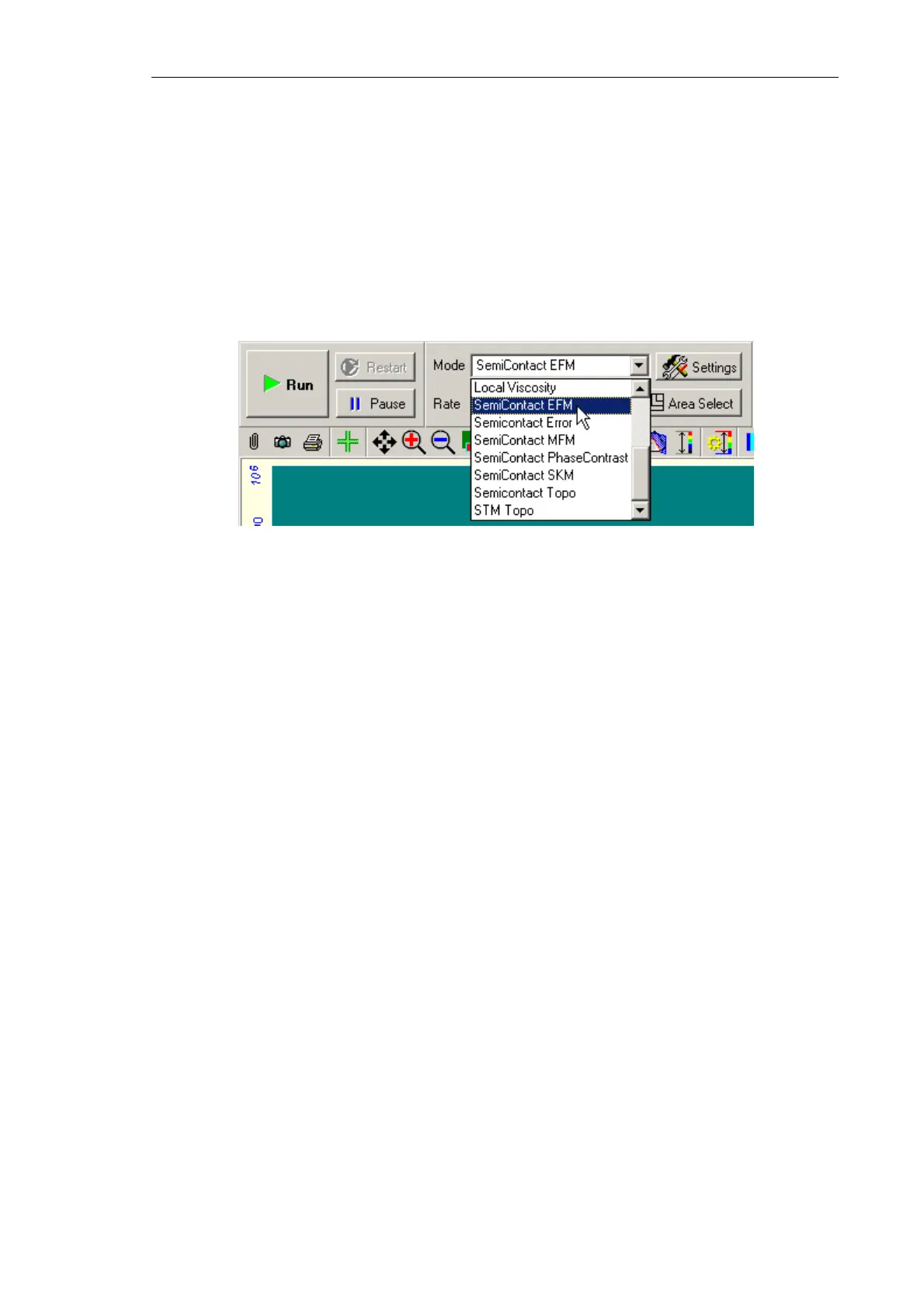
Select the mode SemiContact EFM (Fig. 7-94) mode in the Mode list of the Control panel
of the scanning window. This results in automatic performing all necessary switching
sequences in the controller. The panel for setting the second-pass parameters will be
activated.
Fig. 7-94. Selection of Electric Force Microscopy
The following adjustment and commutation will be performed for the second pass
(Fig. 7-34):
● Setting the generator to operate at the probe resonance frequency that was measured
before approaching;
● Grounding the sample;
● Applying voltage to the probe;
● Closing the Z feedback loop.



 To Next Page