Chapter 7. Performing Measurements
135
Adjusting the scanning speed
Optimal value of the scanning speed depends on sample surface properties, scan area
dimensions and external conditions. A smooth surface can be scanned at higher speed than
that with uneven topography and large height difference.
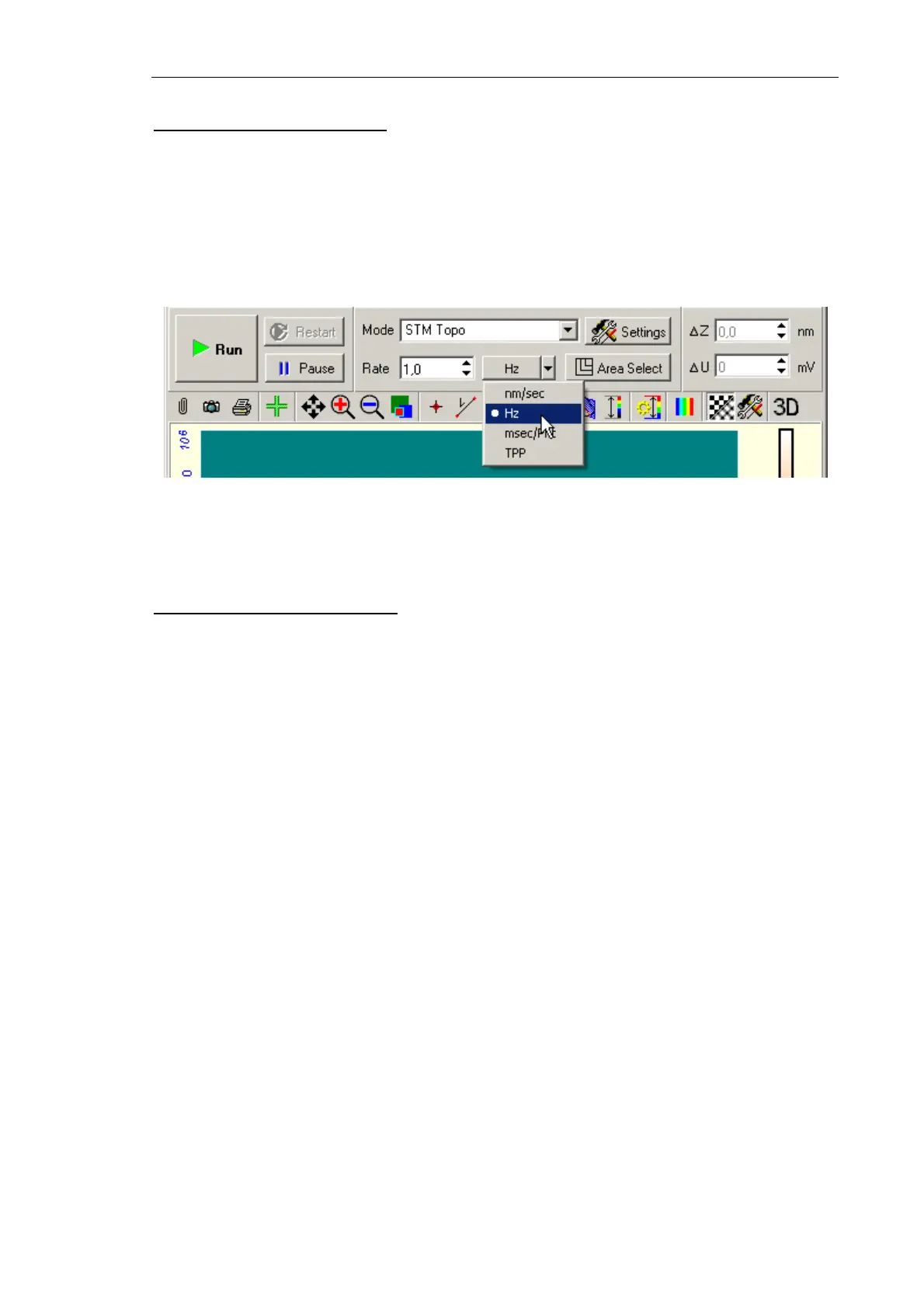
Low scanning speed (defined by the Rate parameter) is recommended if the surface
properties are unknown. To define the Rate parameter, perform the following styeps:
1. In the Rate list, select Hz as units of scan frequency (see Fig. 7-114).
Fig. 7-114
2. Enter value in the range 1.5÷2 Hz in the Rate input field.
Switching the detection signals
The measuring modes are associated with is standard detection signals that are assigned
automatically after the mode has been selected. For many-pass techniques, every pass is
supplied with corresponding signals by default.
Profile of the detection signal is displayed in a separate 2D Viewer of Scanning window.
However, sometimes detection of non-default signals is required. For this, you can change
the default list of detection signals. The instrument is capable to record up to eight signals
in every direction of sample movement during measurements.
The list of detection signals is available through the Scan parameters adjustment window
(see Fig. 7-115). Signals of a particular pass are arranged in separate panels
Pass I, Pass II
and
Pass III. A pass panel contains two columns, Forward and Backward. The Forward
column displays signals to detect during the sample moves in the forward scanning
direction while the Backward column enlists signals for the backward movement.



 To Next Page